The following results are listed in a random order.
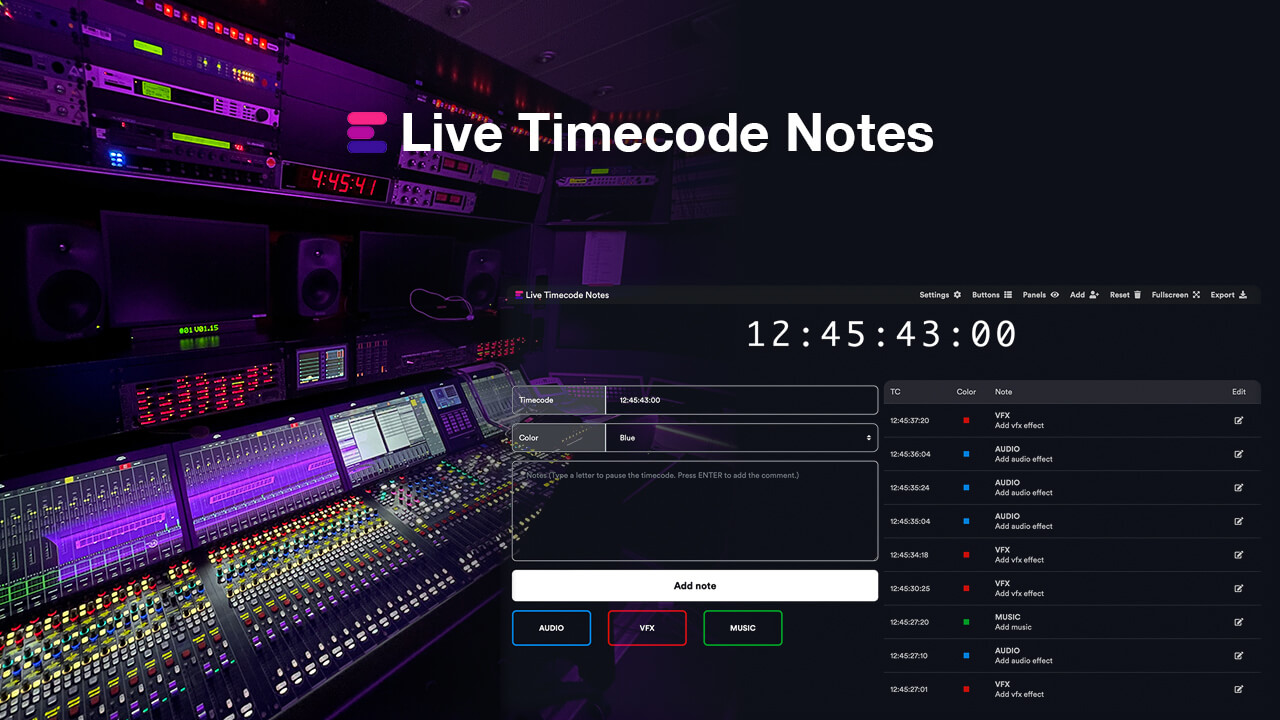
Create editorial notes for live events or studio recordings with your team in real time, download the notes as CSV, PDF, or Excel files, or import them directly into an editing sequence in Adobe Premiere Pro, Avid Media Composer, DaVinci Resolve, and/or other NLEs as markers.
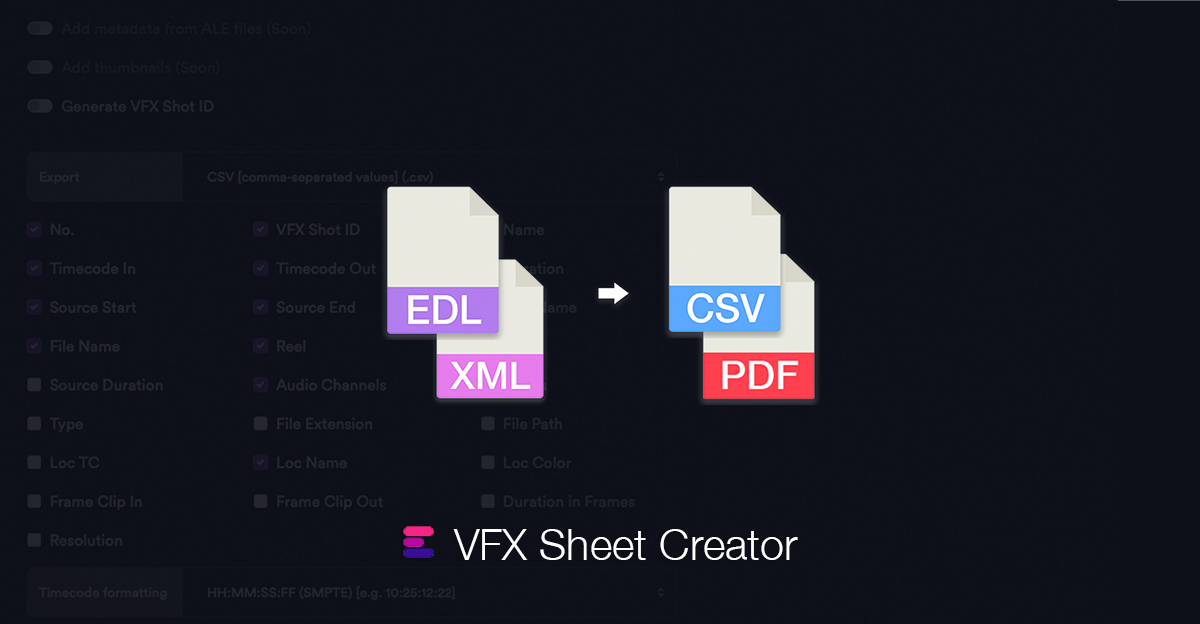
This tool enables you to effortlessly generate a VFX shot list complete with clip timecodes and supplementary metadata derived from a sequence file.
Turn a Timeline into a simple Shot List or Table with Clip-Timecodes and additonal Meta-Data.
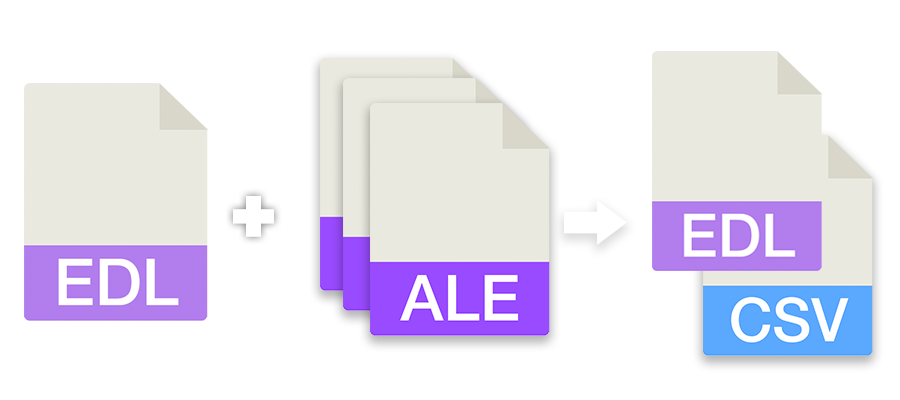
This tool allows you to merge information from ALE files into an EDL sequence. You can select one or more ALE files and one sequence as EDL to generate a CSV summary or add the details to the EDL.
Generate a clean and performance-optimized letterbox in any resolution with customizable aspect ratio and color, as an overlay for your batch renders, media encoders or edit timeline.
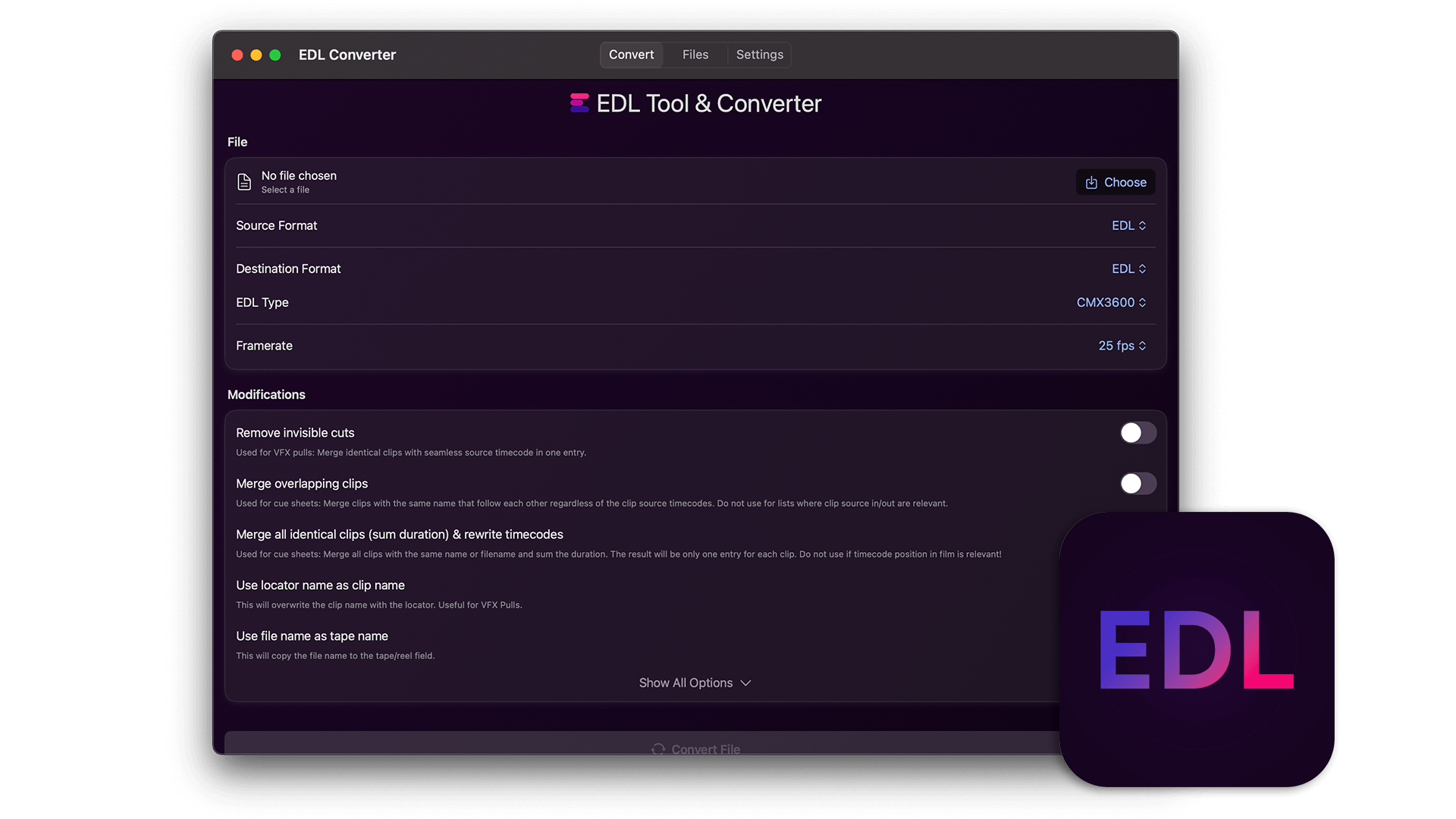
Convert and merge EDL files to CSV lists (for Excel or Google Sheets) or convert CSV lists back into an EDL file for Media Composer, Premiere Pro, Resolve, Final Cut and others.
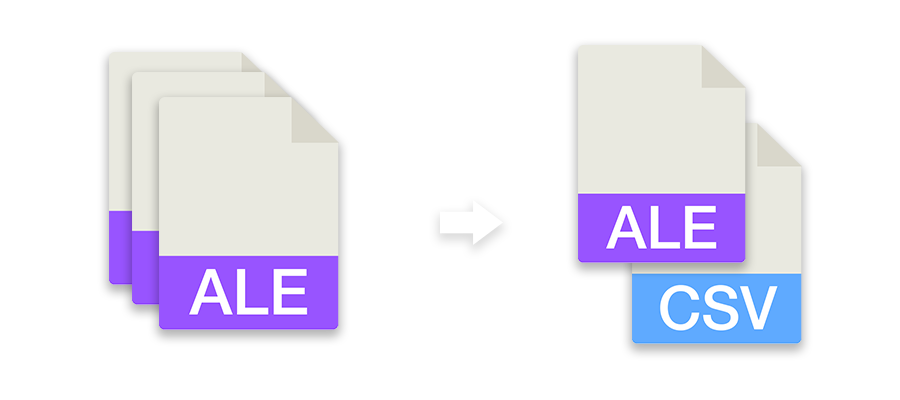
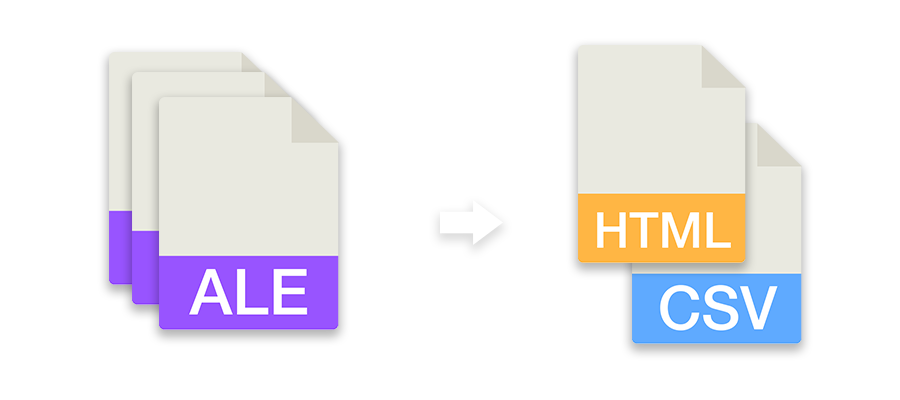
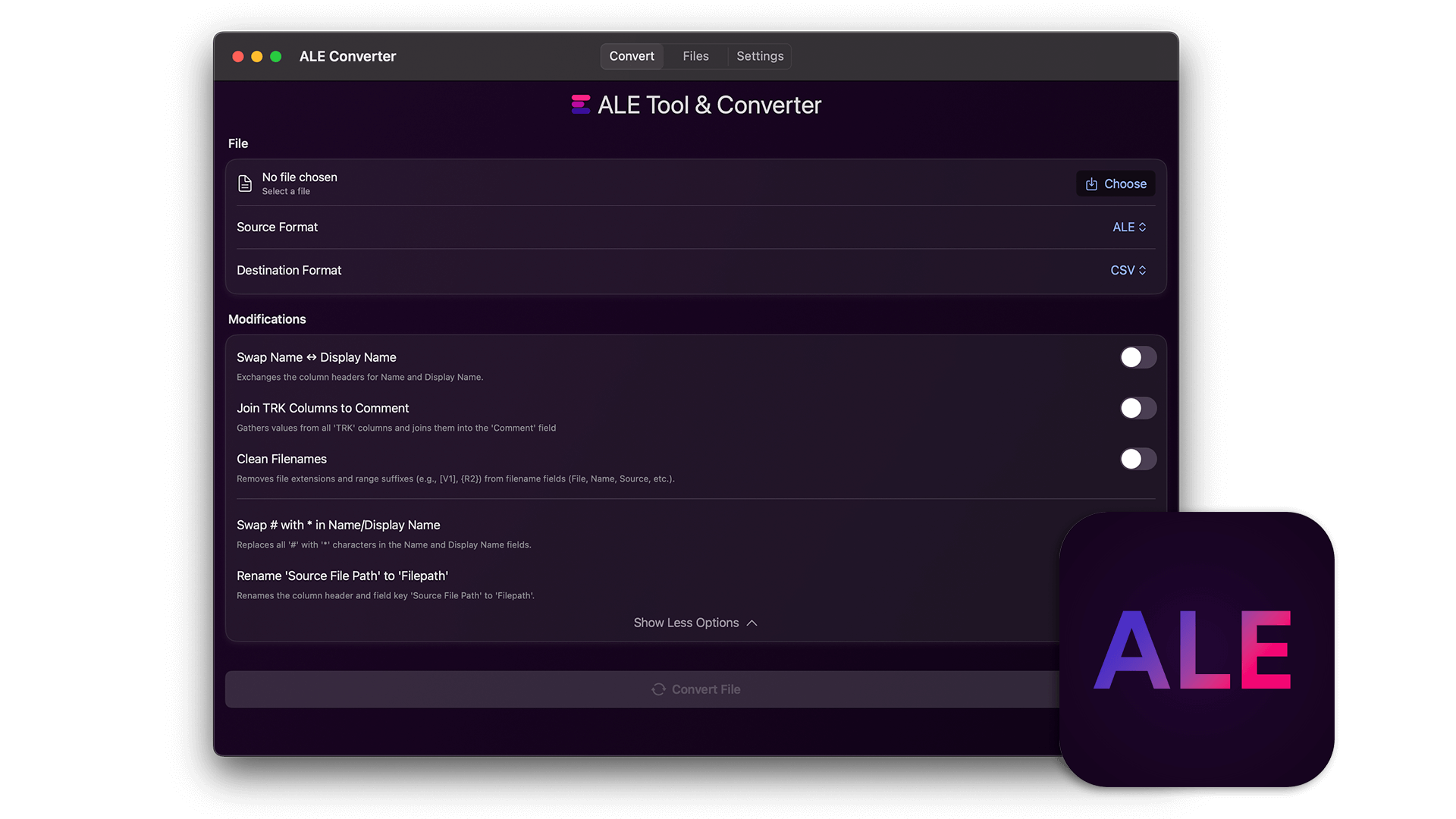
Rewrite ALE files with fixed columns, convert them to other formats or combine multiple ALE files into one file.
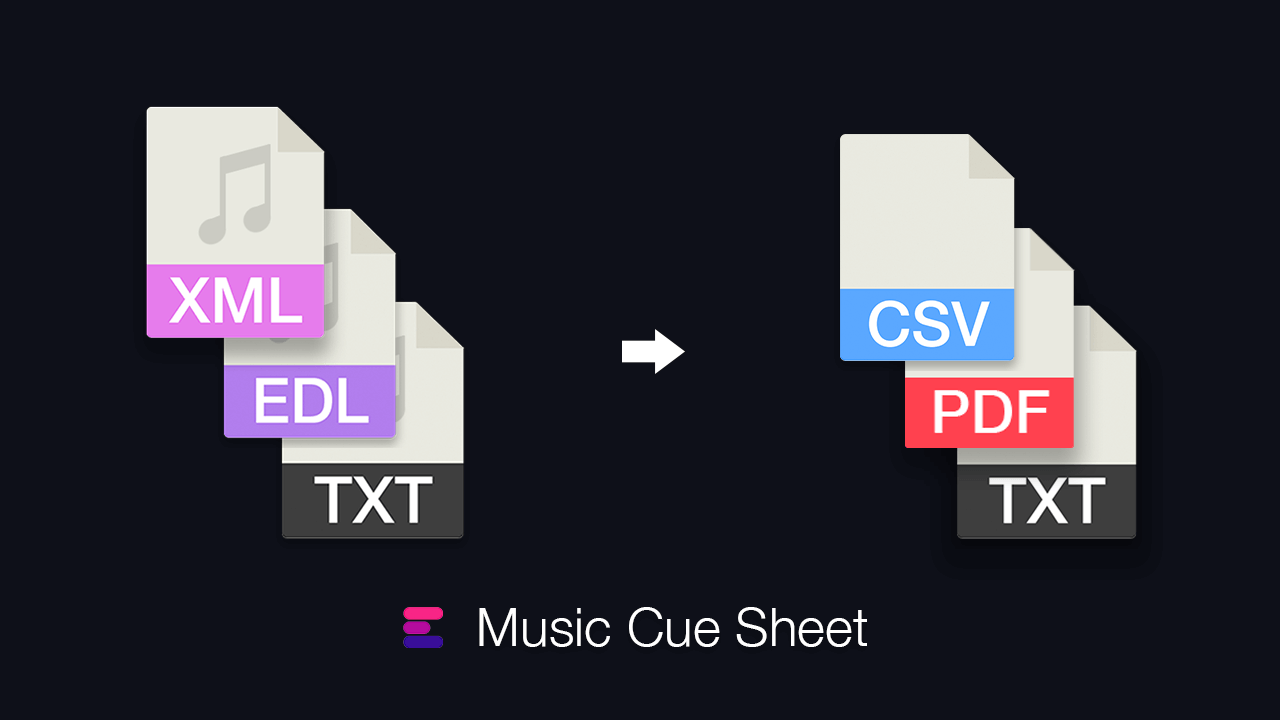
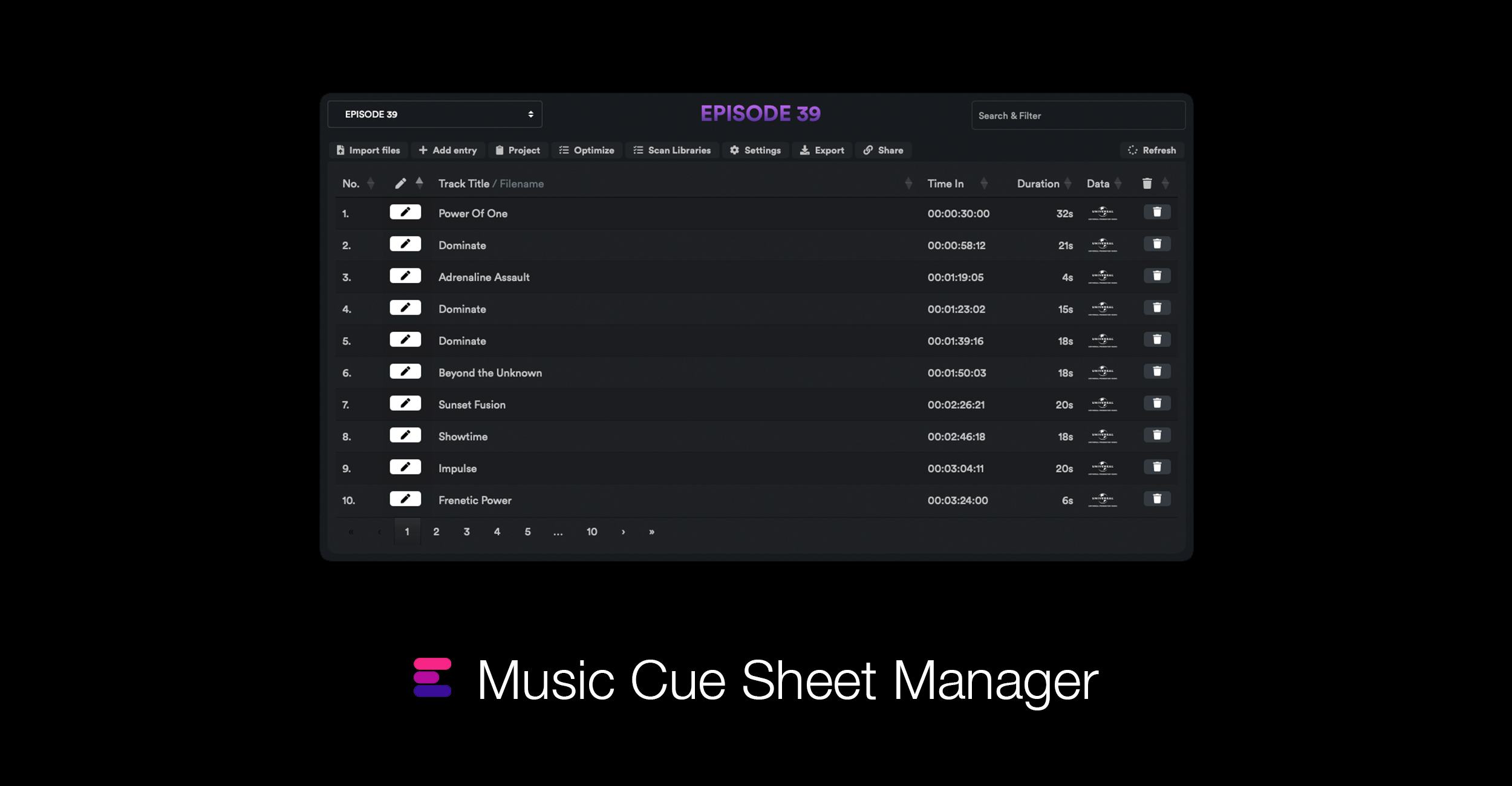
Generate a clean music cue sheet with timecodes, durations, and track metadata out of your editing sequence. Upload an XML or EDL file and generate a CSV, XLSX, PDF, TXT, or other formats to use in Google Sheets, Microsoft Excel, Apple Numbers, and similar programs.
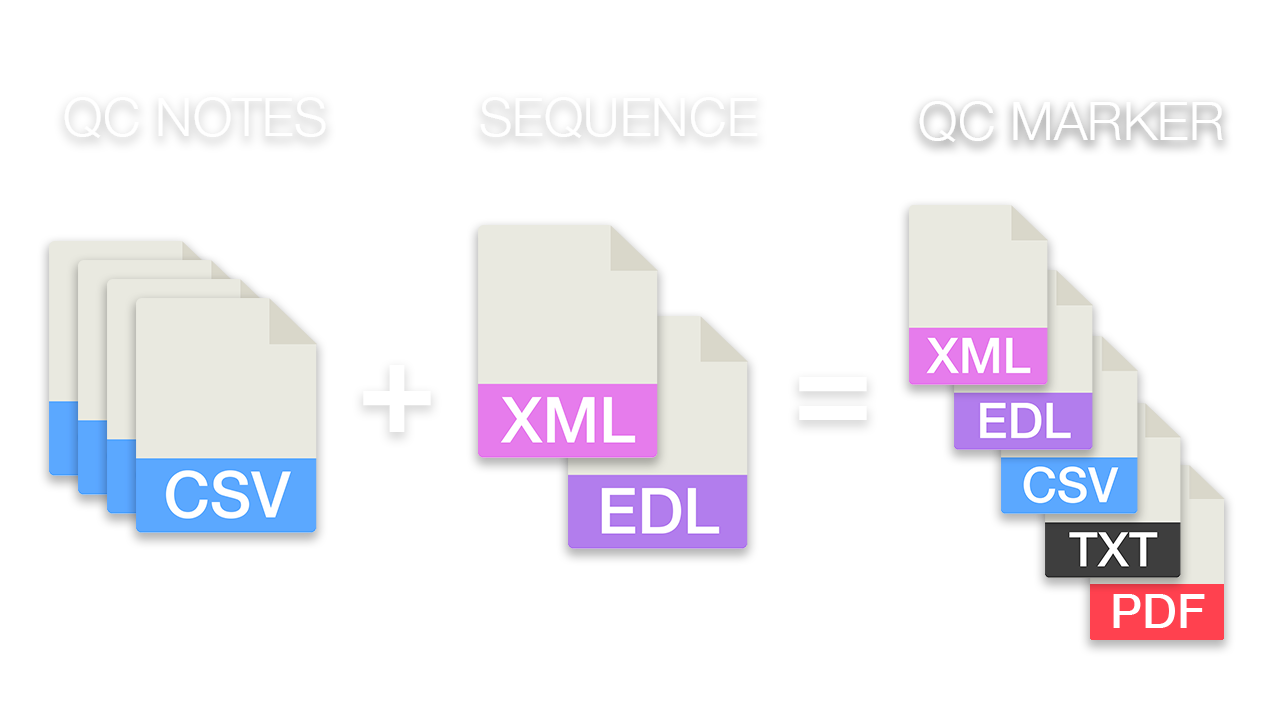
Compare an editing sequence with original camera file QC notes from all shooting days and transfer all relevant QC notes as markers to a master timeline for Resolve, Premiere Pro or other formats.
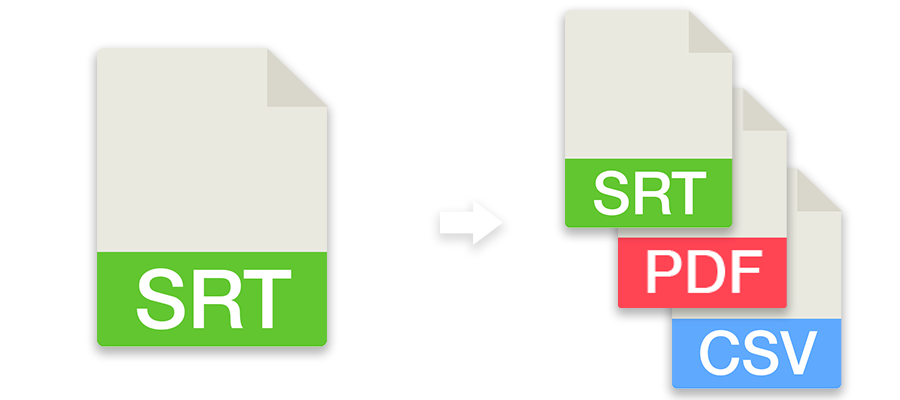
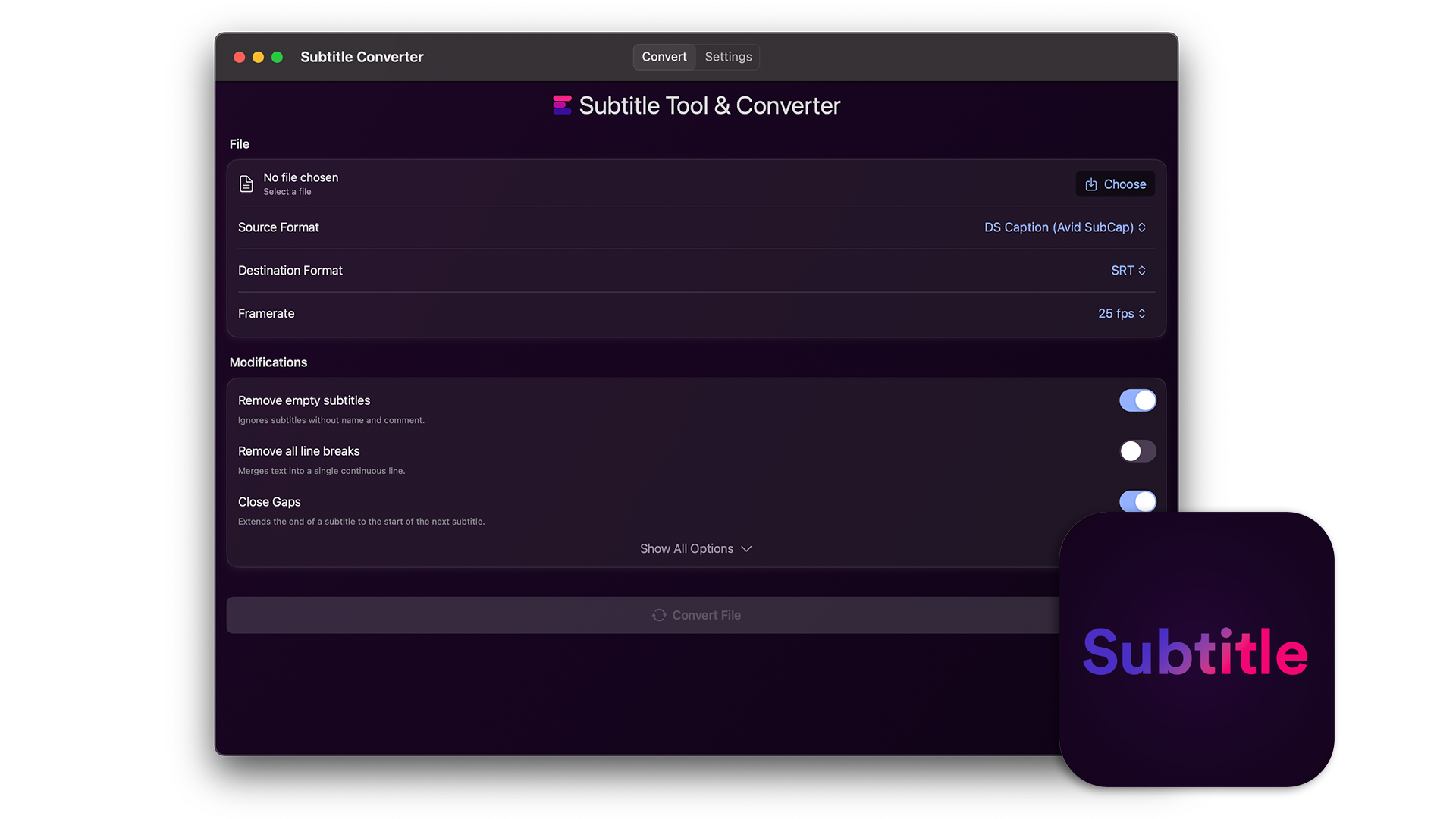
Convert subtitles to other file formats like SRT, VTT, SBV or use the tool to check subtitles for guidelines, repair, correct or move them. You can also convert subtitles to markers and use them in an editing program.
The Music Cue Sheet Manager represents the next stage in the management of cue sheets for film and series production. It offers a range of options for importing and managing cue data and creating complex music cue sheets easily. The tool is compatible with sequences from Media Composer, Premiere Pro, Resolve, and Final Cut Pro. It merges multiple tracks and removes invisible cuts to produce a clean list. Based on file names, metadata for the music tracks can also be automatically added to the cue sheet if they come from one of our partner libraries. The export can be customized using presets and exported to a variety of formats, including CSV, Excel and more.
Generate a quick & simple watermark as an overlay for your batch renders, media encoders or edit timeline.
Generate an Editors' Codebook from one or more ALE files. Export it as CSV or formatted HTML file.
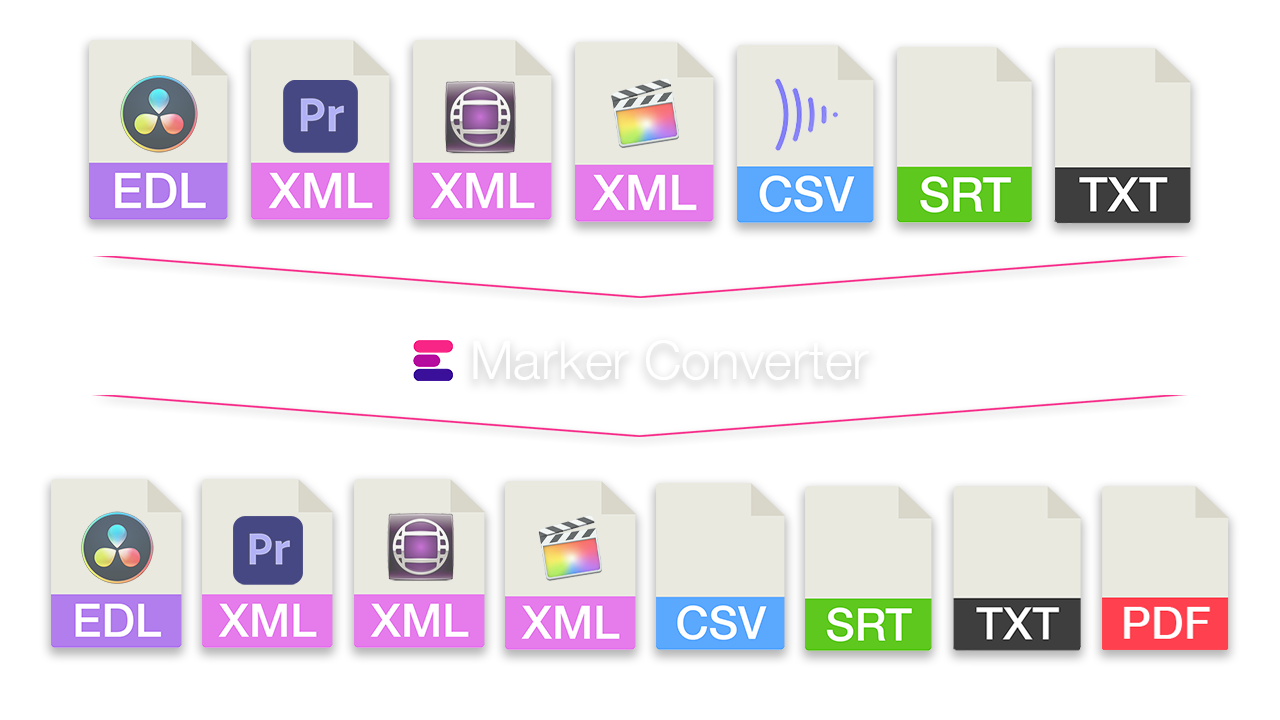
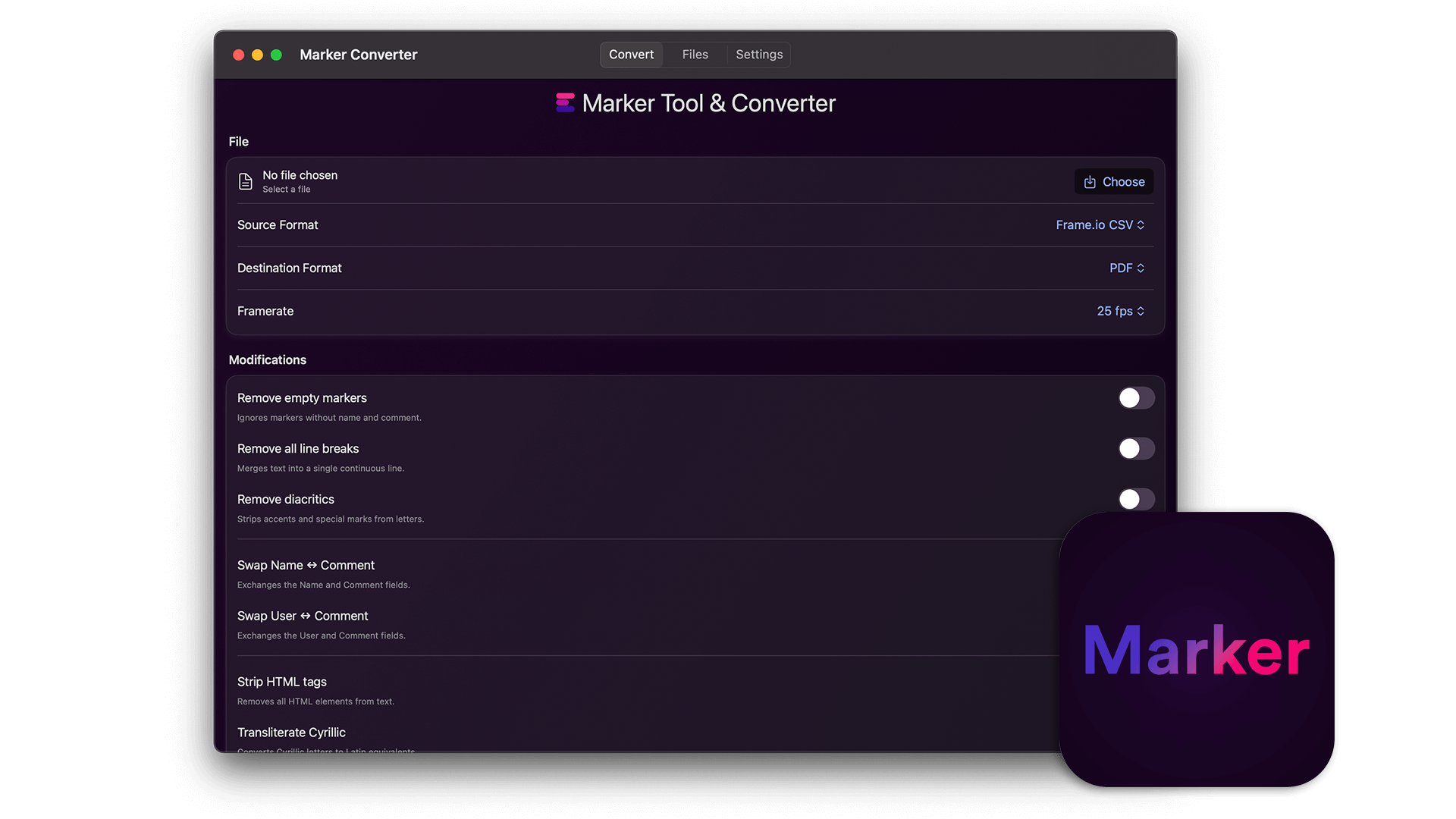
Simplify the exchange of markers between different programs. Convert timeline markers to various formats for Premiere Pro, DaVinci Resolve, Media Composer, Pro Tools, Frame.io, Pix, CSV, Google Sheets, PDF and more. The tool also lets you filter markers by color, swap colors, or move and correct timecodes.
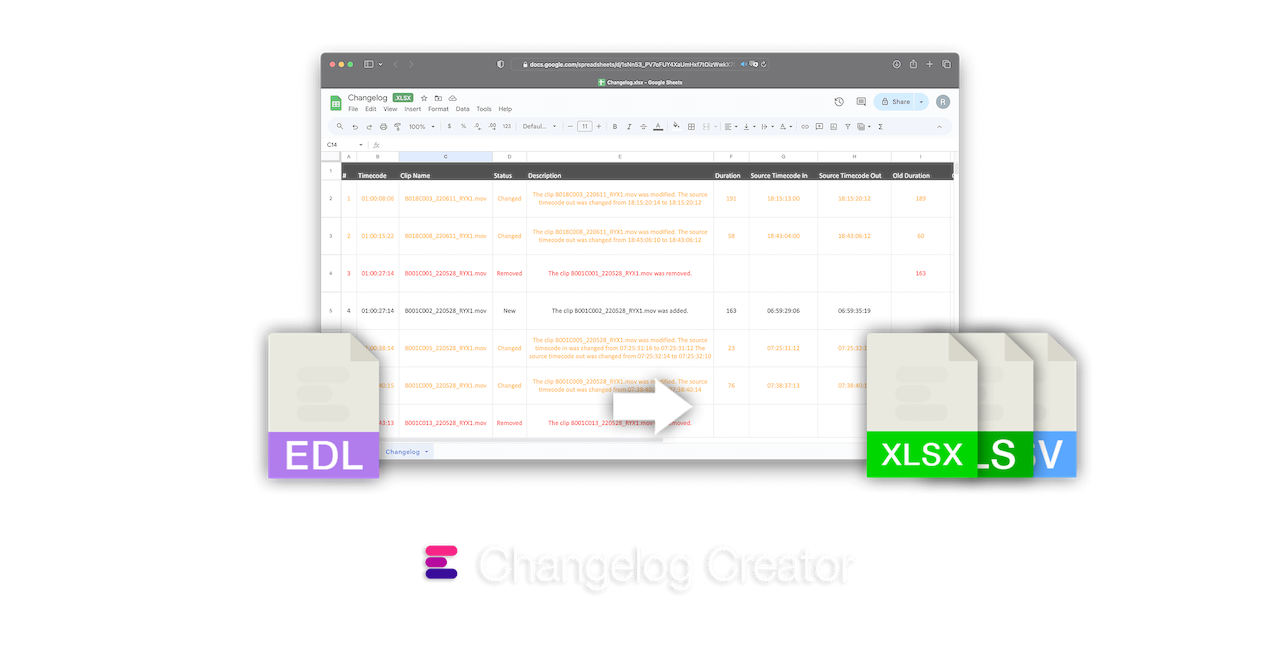
This tool allows you to compare two EDL sequences to identify and record changes to the clips. It can also generate a changelog document or changelog markers, or an EDL containing the modified shots.
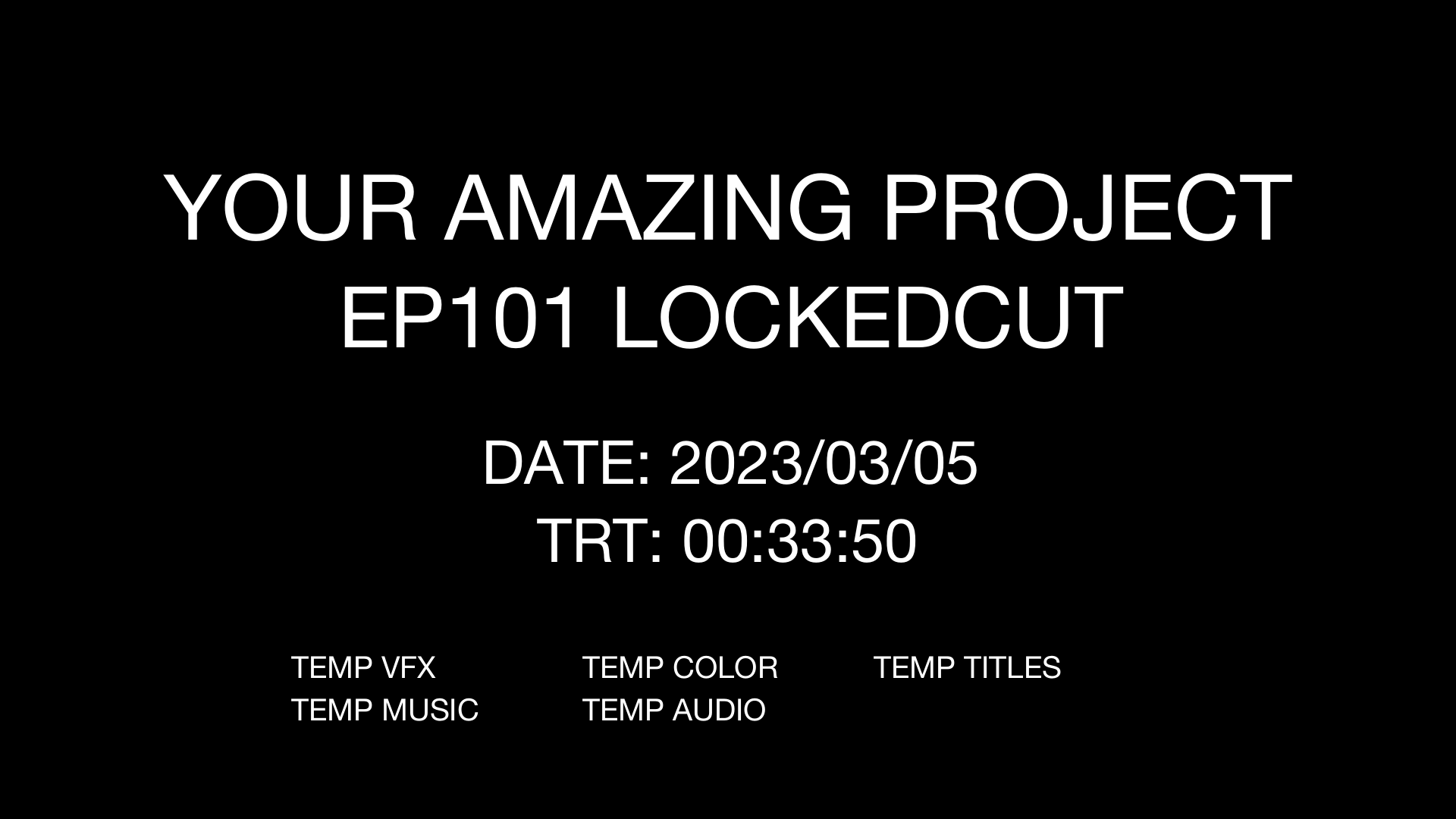
Create a slate for playouts of your show during post-production. Slates contain the most important details about the show status for a review, such as title, episode, edit type, date, total run time, and notes about the status of audio, color and vfx.
Learn more about this tool here.
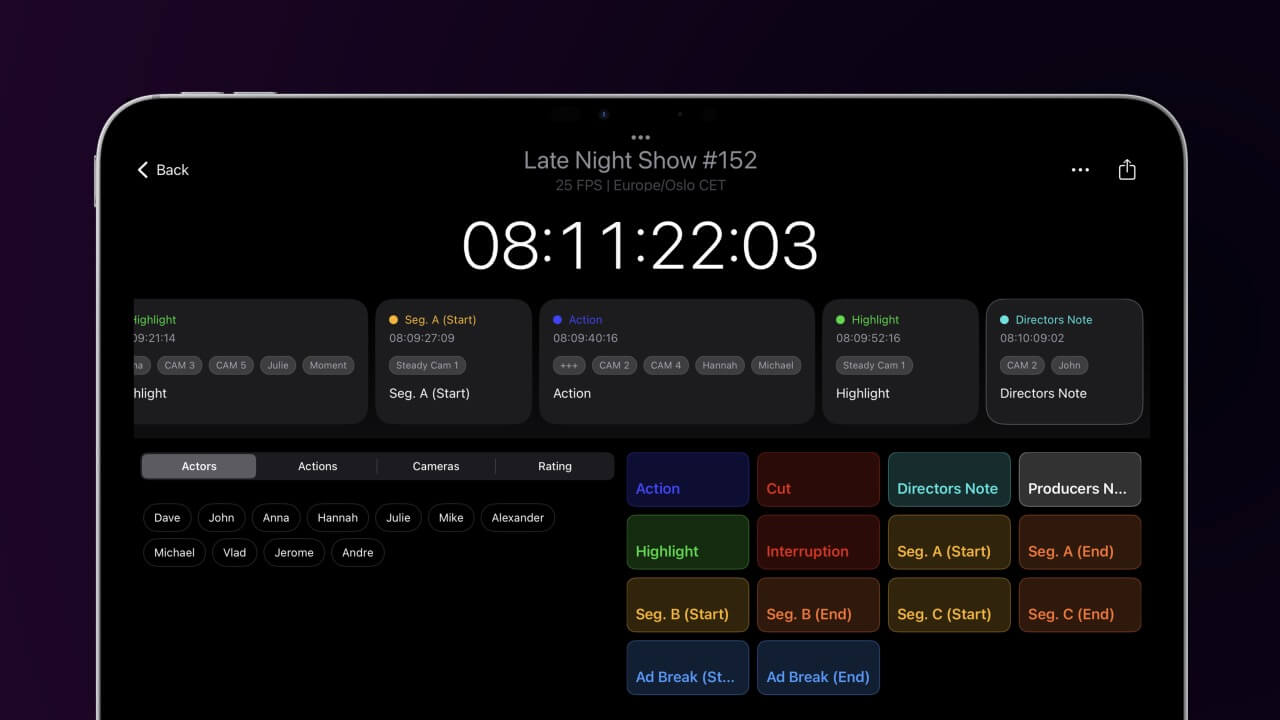
With customizable tags, personalized buttons, and universal colors, this app is designed to speed up the note-taking process during live events or studio recording. Notes can be exported later as PDF or CSV files to create spreadsheets. Or export them as timeline markers for Adobe Premiere Pro, DaVinci Resolve, Avid Media Composer, and other post-production applications.
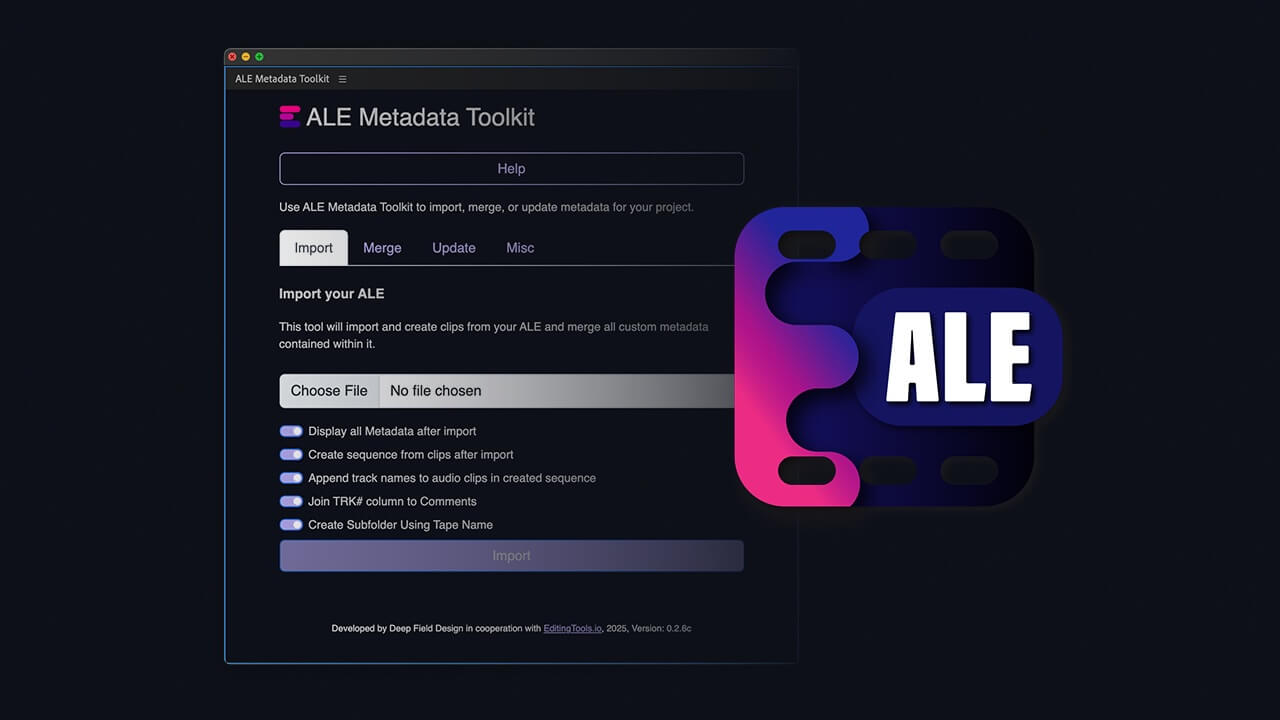
The ALE Metadata Toolkit for Adobe Premiere Pro makes it easy to import all columns from an ALE file (including those that Premiere Pro normally skips). It also allows you to update metadata in an existing ALE file and merge it with metadata from Premiere Pro.
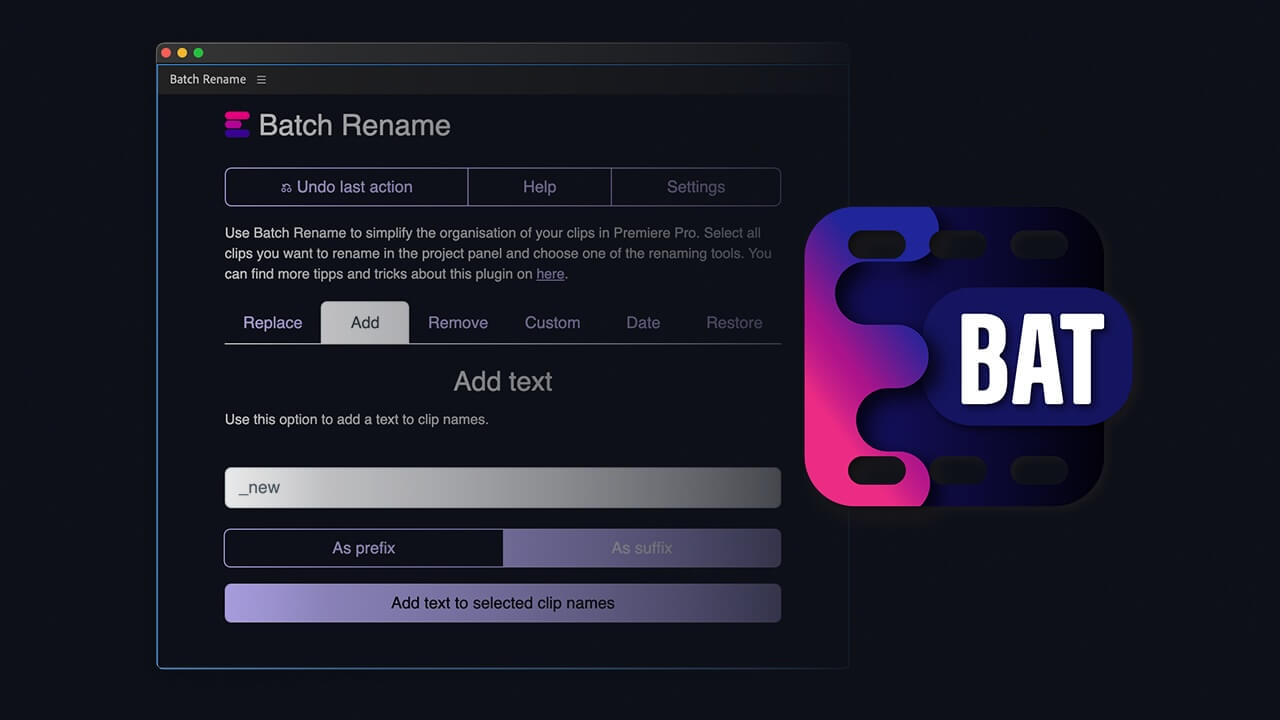
The "Batch Rename" plugin enables you new possibilities to simplify the organization of your clips in Premiere Pro. Select your clips and use the plugin to batch rename your clips faster. Replace words in your source files or add dates and custom text to your clip names. The plugin offers more options to optimize big Premiere Pro productions. Optimized for the needs of assistant editors.
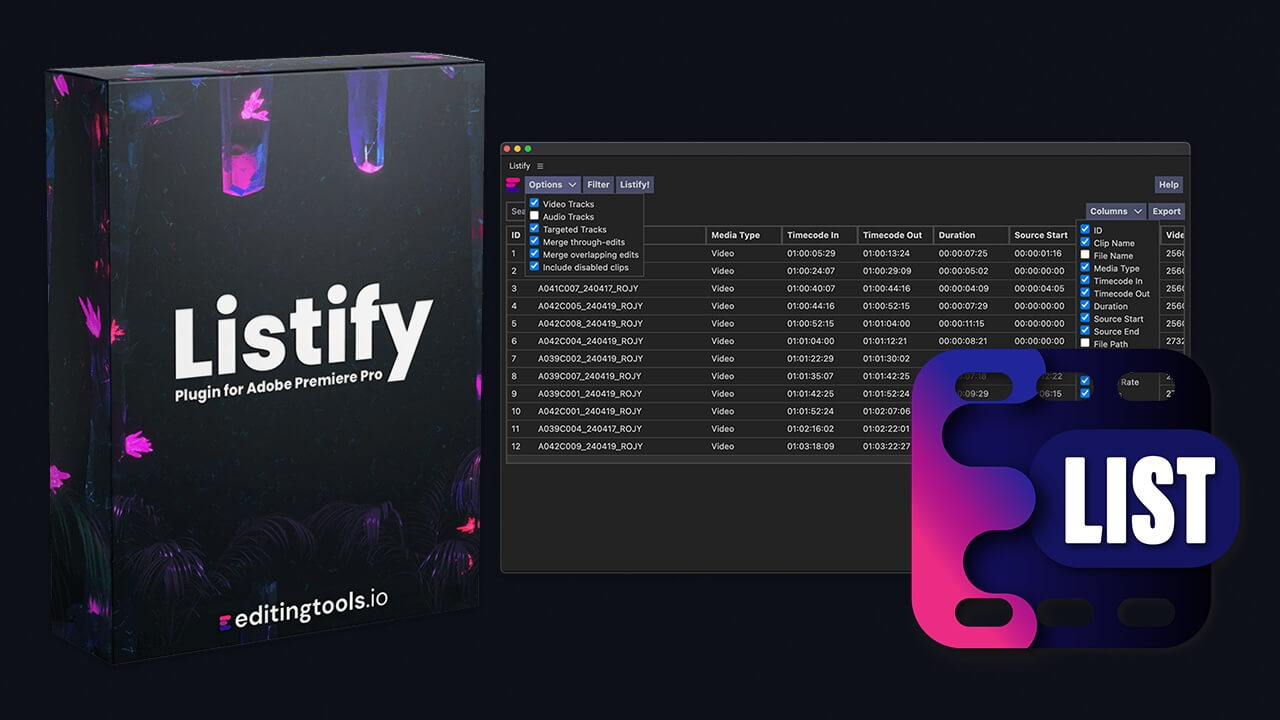
Listify is the number one plugin for Adobe Premiere Pro to create VFX sheets, ADR lists, music cue sheets, stock video lists and more. It is easy to use and offers a variety of filter and export options to create custom csv and pdf files.
Do you have a question or problem that we can help with? Don't hesitate to contact us!
We provide real human support, and someone from our team will personally respond to support question.
How can we contact you?