We currently host 6 tools that can read or write .ptx files. Please note that this list may be incomplete due to the constant development of new tools and features.
.ptx
The following results are listed in a random order.
Learn more about this tool here.
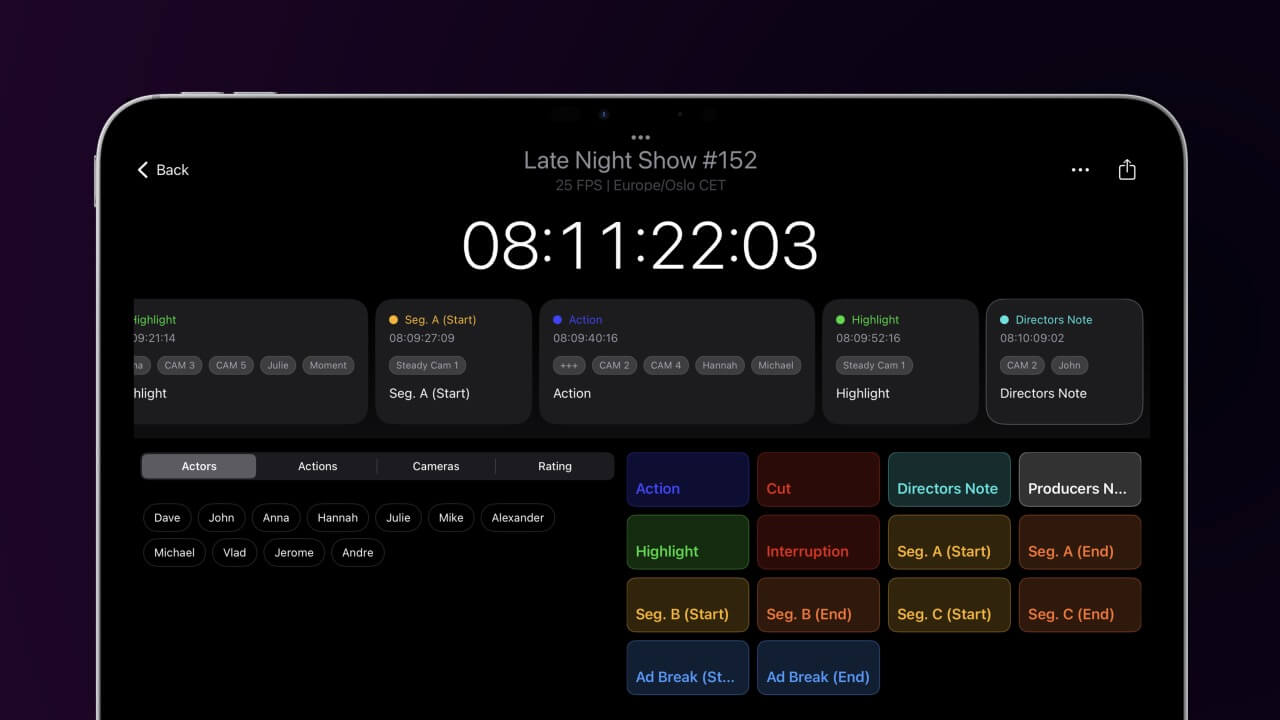
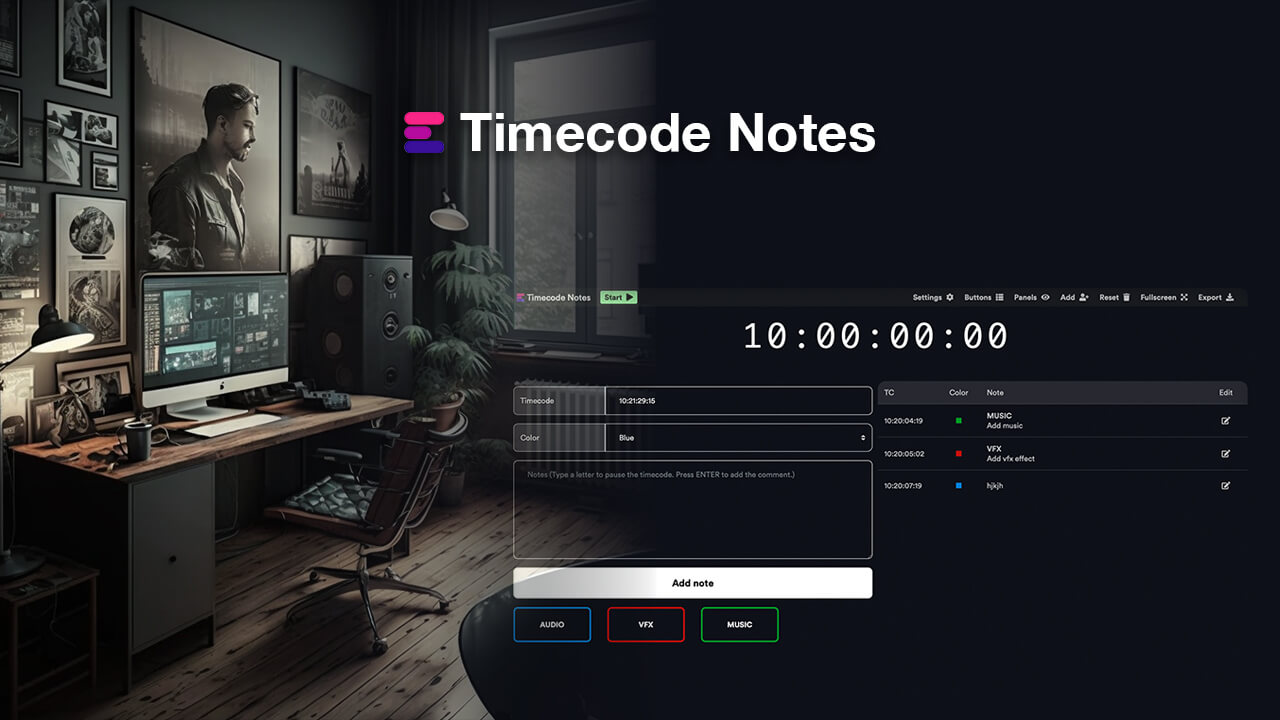
With customizable tags, personalized buttons, and universal colors, this app is designed to speed up the note-taking process during live events or studio recording. Notes can be exported later as PDF or CSV files to create spreadsheets. Or export them as timeline markers for Adobe Premiere Pro, DaVinci Resolve, Avid Media Composer, and other post-production applications.
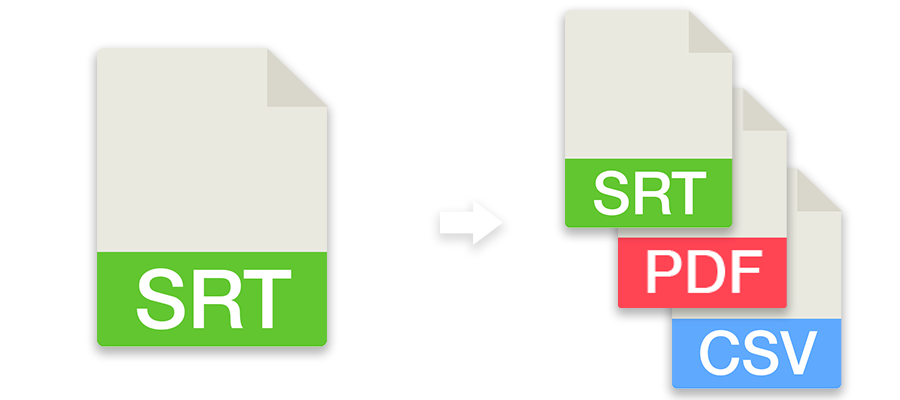
Convert subtitles to other file formats like SRT, VTT, SBV or use the tool to check subtitles for guidelines, repair, correct or move them. You can also convert subtitles to markers and use them in an editing program.
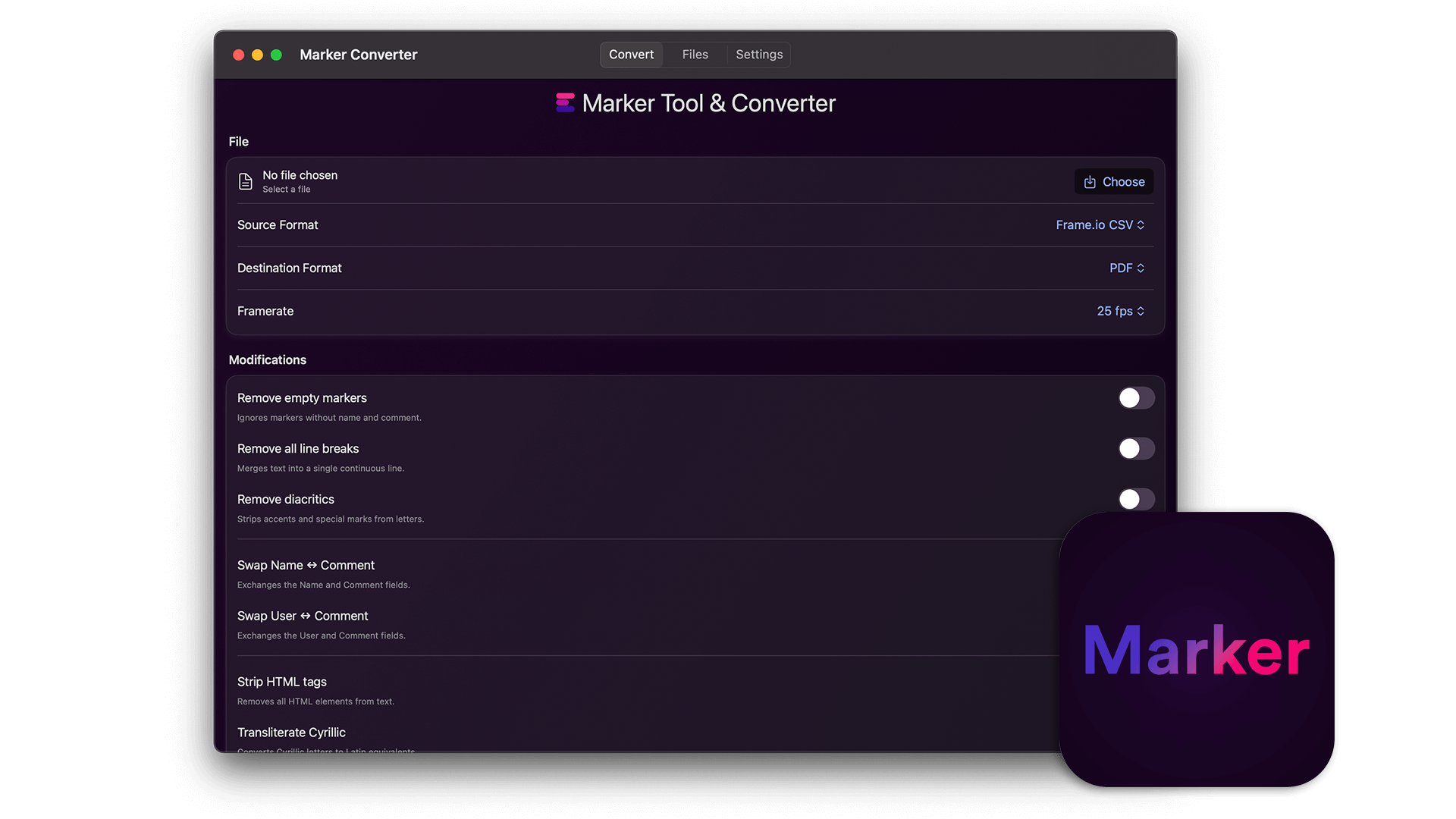
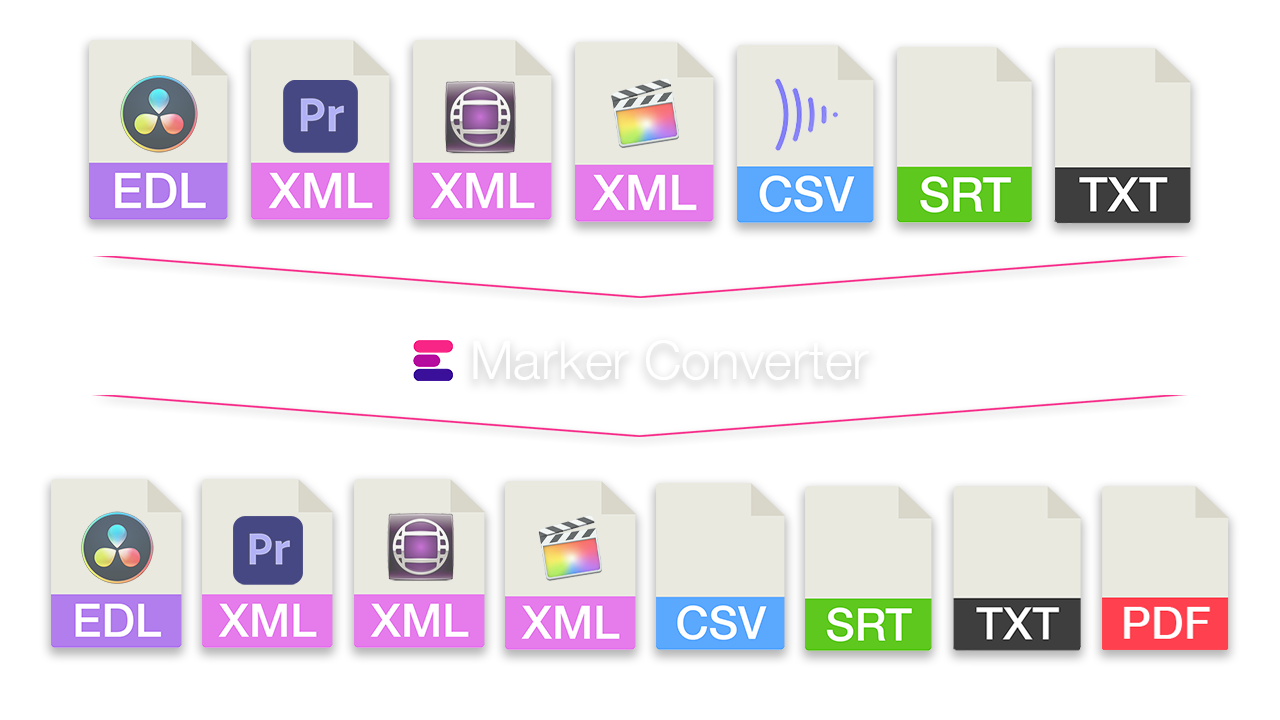
Simplify the exchange of markers between different programs. Convert timeline markers to various formats for Premiere Pro, DaVinci Resolve, Media Composer, Pro Tools, Frame.io, Pix, CSV, Google Sheets, PDF and more. The tool also lets you filter markers by color, swap colors, or move and correct timecodes.
Create editorial notes for recordings, review sessions, feedback meetings, events, broadcasts, video streams, or any event where you need custom timecode. All comments can be exported as markers to any NLE (for further editing) or to CSV, PDF, Excel, and more. You can also collaborate with your team in real time in a shared Team Event session.
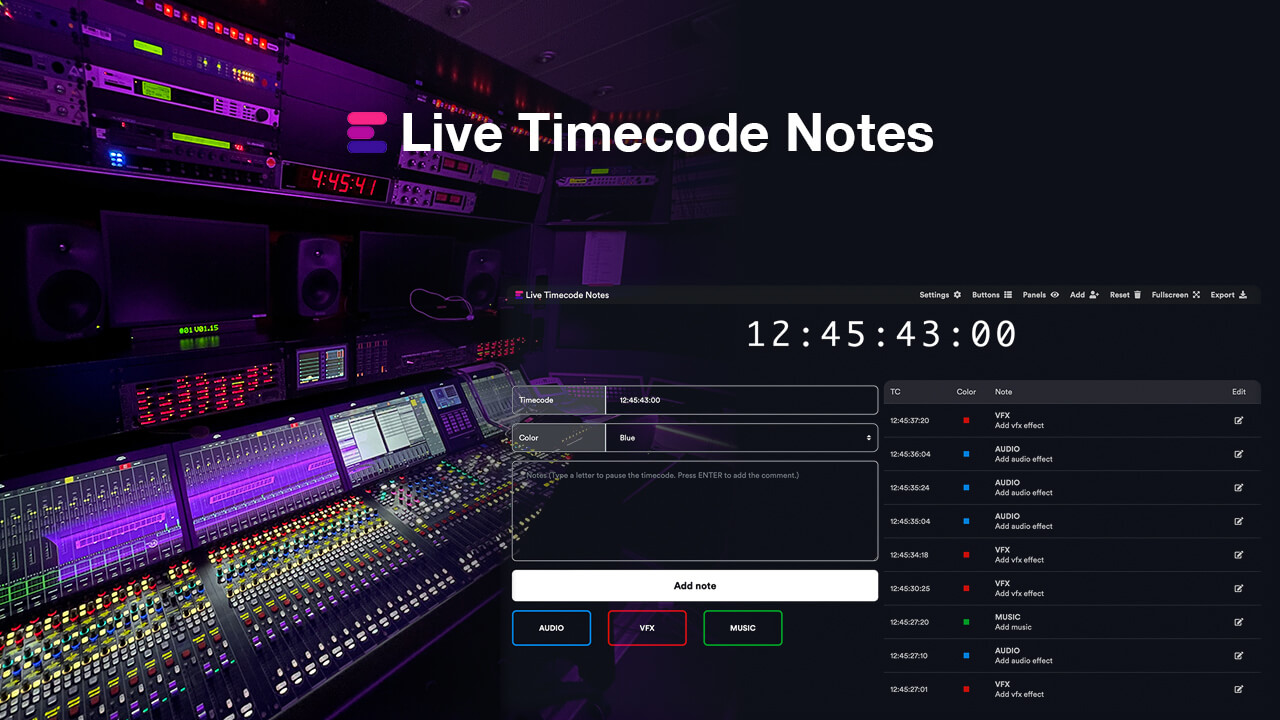
Create editorial notes for live events or studio recordings with your team in real time, download the notes as CSV, PDF, or Excel files, or import them directly into an editing sequence in Adobe Premiere Pro, Avid Media Composer, DaVinci Resolve, and/or other NLEs as markers.
Do you have a question or problem that we can help with? Don't hesitate to contact us!
We provide real human support, and someone from our team will personally respond to support question.
How can we contact you?