Selection
The following results are listed in a random order.
MediaDB is an essential tool for small post production houses and freelancers who work with large quantities of hard drives and discs. The app helps create a database of all the hard drives and files in use. It allows you to search for files and browse directory trees while the drives are offline. MediaDB can also be used to create an RCP file for DaVinci Resolve from an EDL during the film conforming process.
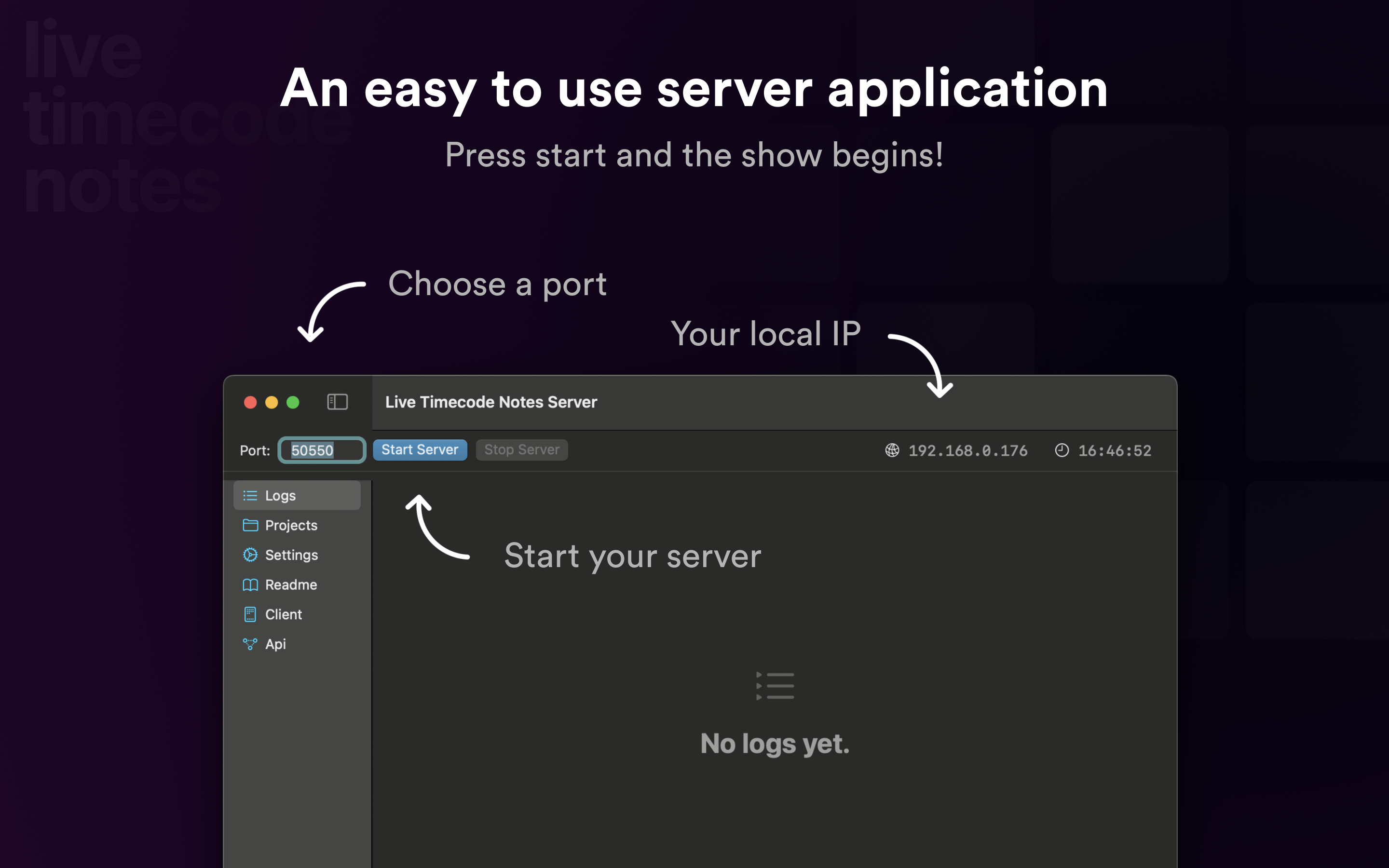
Run your own server for Live Timecode Notes, so your team can share timecode notes in your own network.
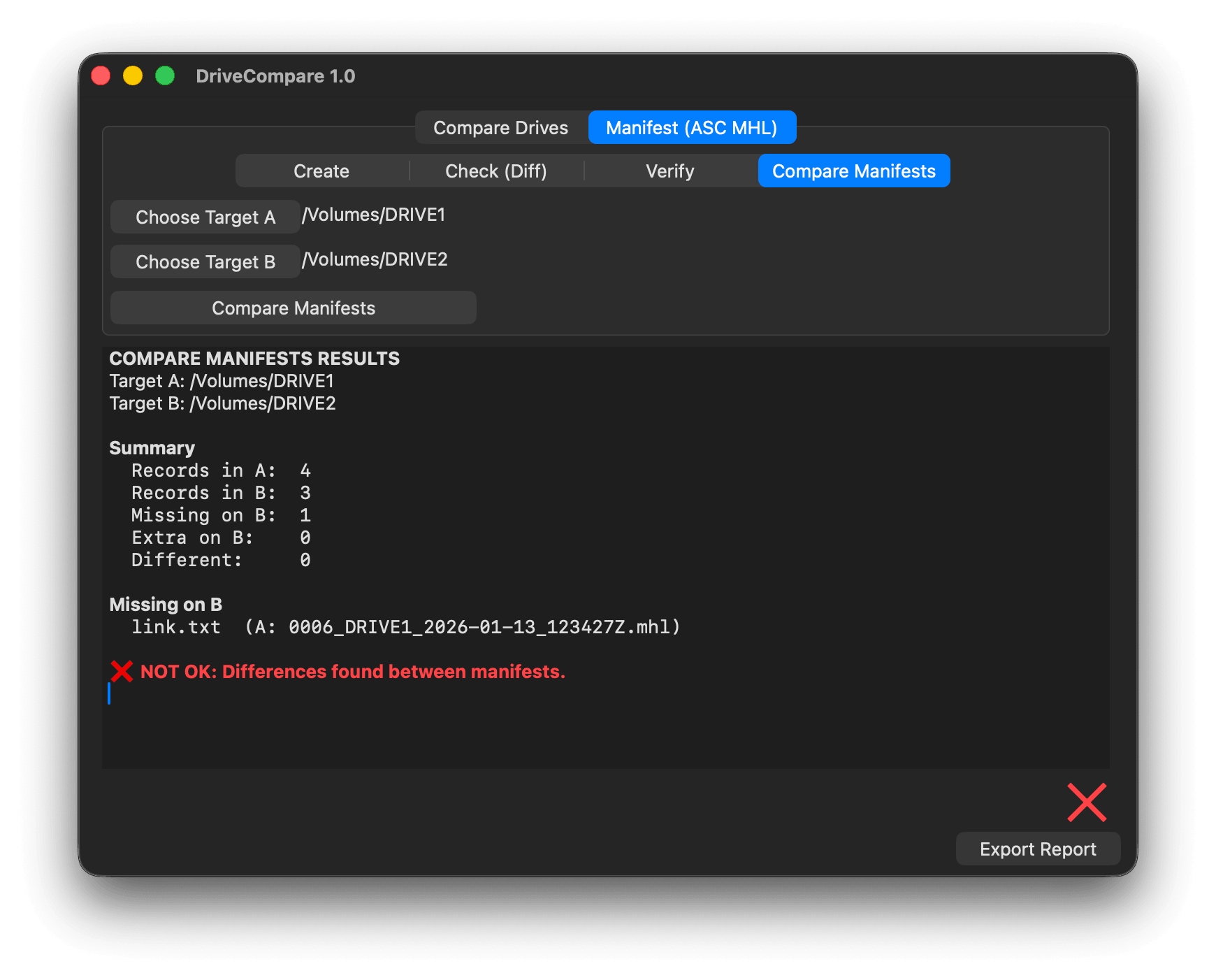
The perfect tool for drive comparison, syncing and verifying files in post-production workflows by using ASC Media Hash List manifests.
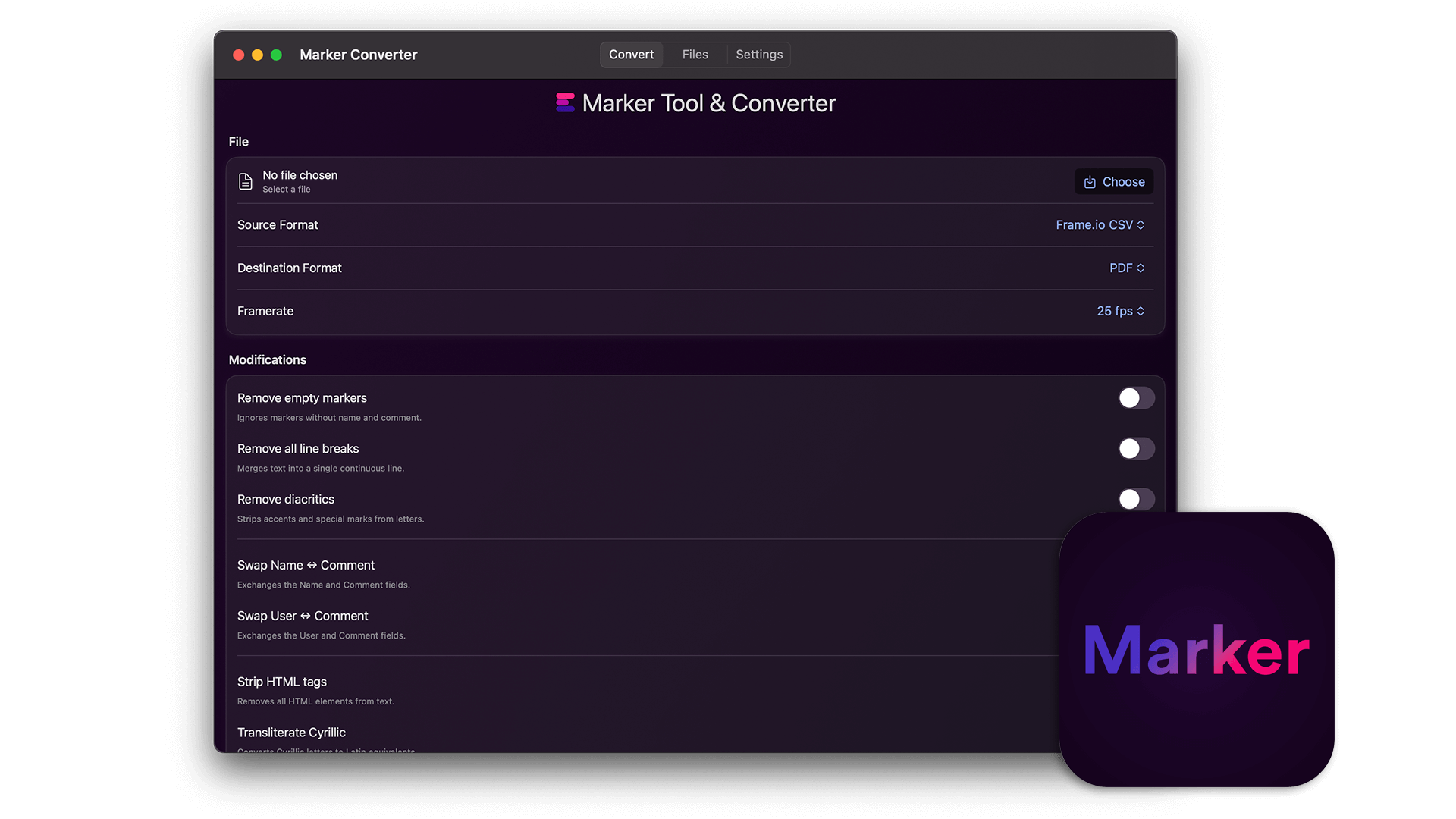
The standalone app of our marker tool: convert and edit markers between editing applications offline on your computer.
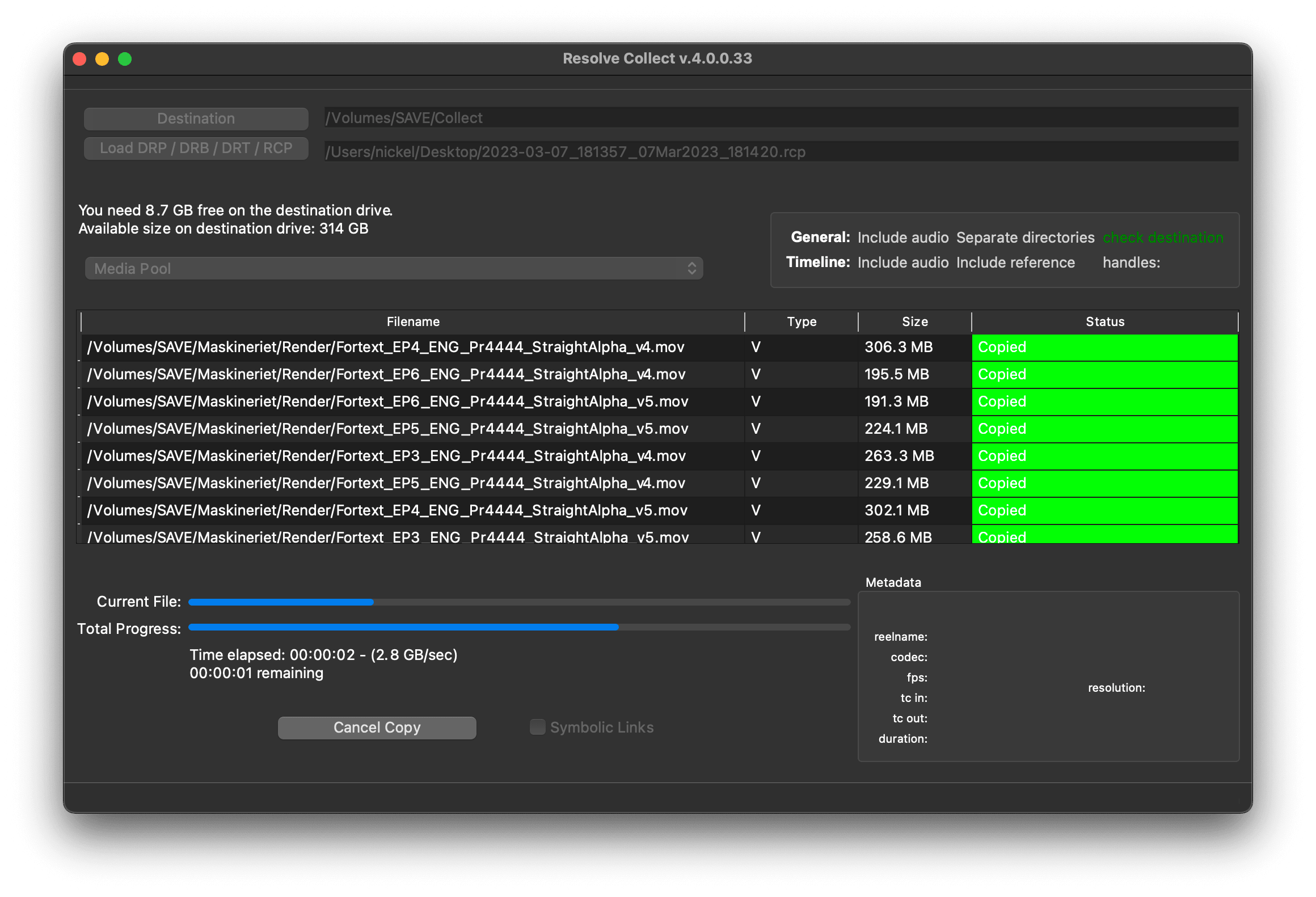
Resolve Collect copies source files used in a DaVinci Resolve or Premiere Pro project to a single destination. The fastest and most reliable way to collect media from multiple drives.
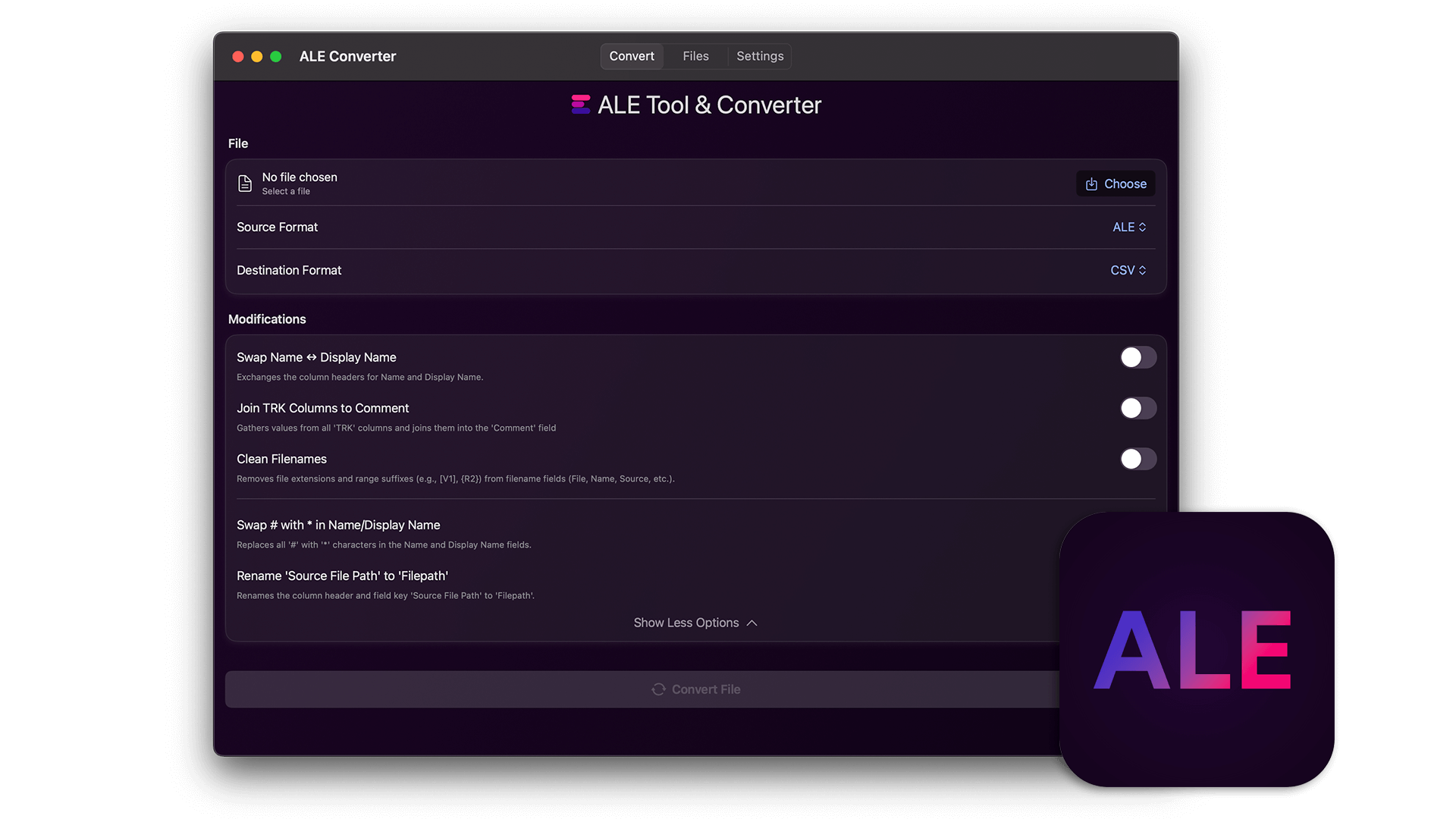
The standalone app of our ALE tool: edit, merge and convert ALE files offline on your computer.
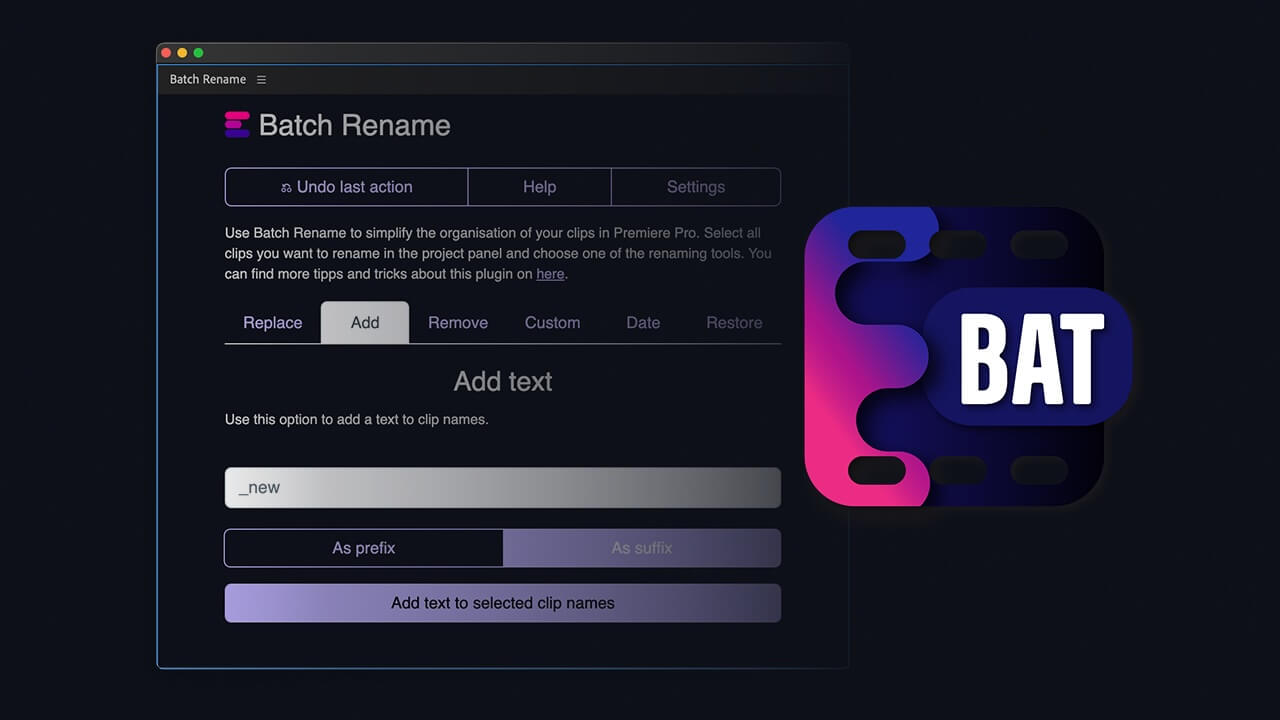
The "Batch Rename" plugin enables you new possibilities to simplify the organization of your clips in Premiere. Select your clips and use the plugin to batch rename your clips faster. Replace words in your source files or add dates and custom text to your clip names. The plugin offers more options to optimize big Premiere productions. Optimized for the needs of assistant editors.
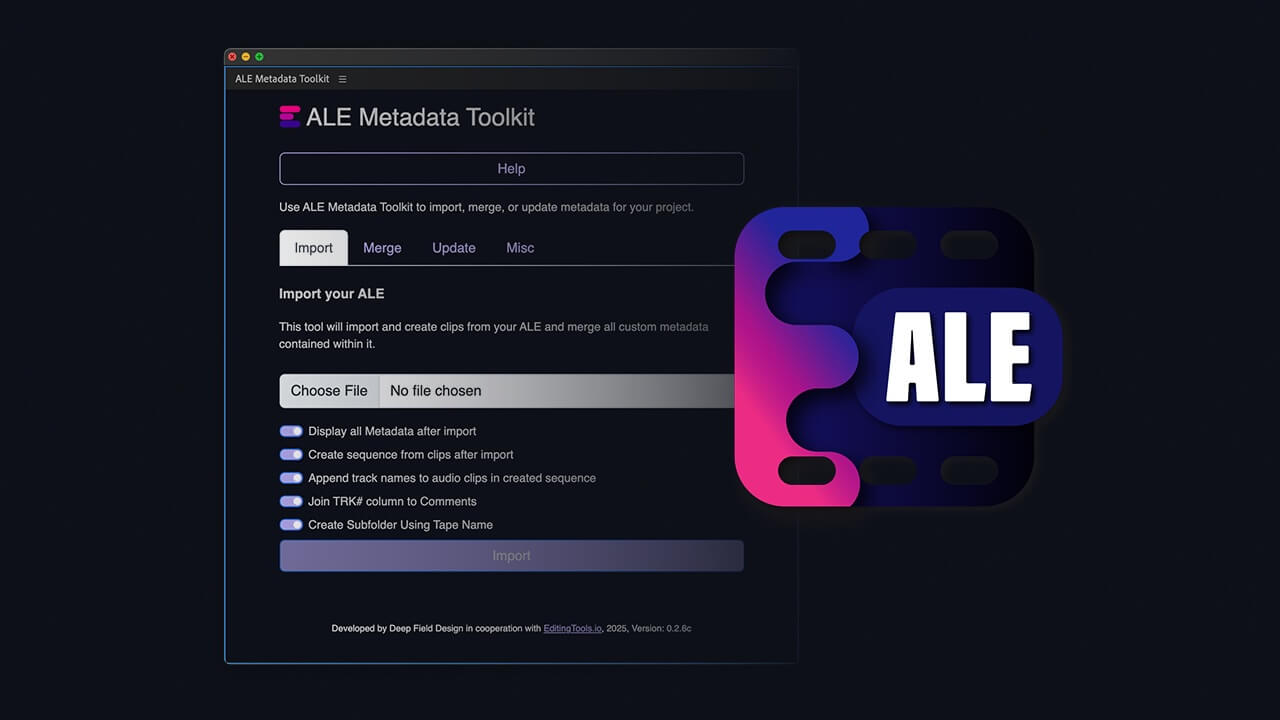
The ALE Metadata Toolkit for Adobe Premiere makes it easy to import all columns from an ALE file (including those that Premiere normally skips). It also allows you to update metadata in an existing ALE file and merge it with metadata from Premiere.
This plugin simplifies the process of creating detailed codebooks and exporting thumbnails from DaVinci Resolve Studio. Streamline your post-production workflow by generating Excel spreadsheets containing embedded images and metadata directly from your sequence.
This script generates camera roll-style bins in DaVinci Resolve.
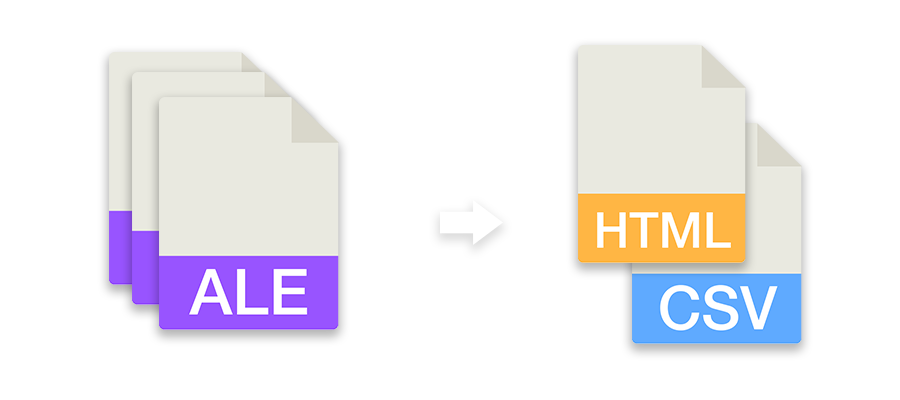
Generate an Editors' Codebook from one or more ALE files. Export it as CSV or formatted HTML file.
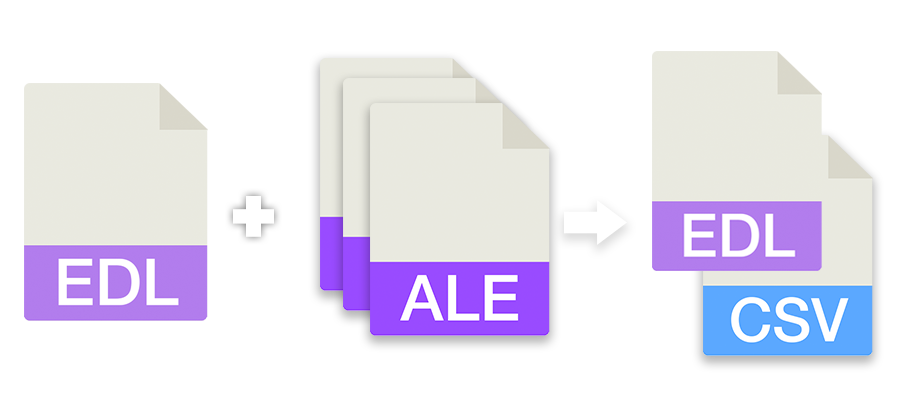
This tool allows you to merge information from ALE files into an EDL sequence. You can select one or more ALE files and one sequence as EDL to generate a CSV summary or add the details to the EDL.
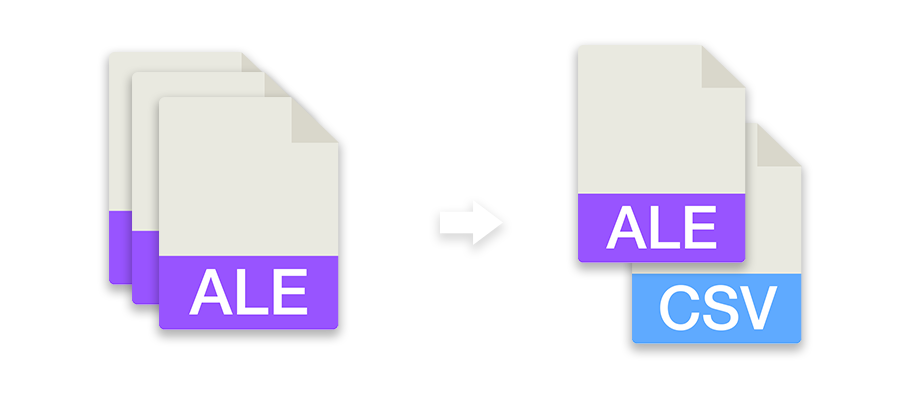
Rewrite ALE files with fixed columns, convert them to other formats or combine multiple ALE files into one file.
Bulk convert a timecode list or single timecodes to different formats. You can also upload a CSV file and convert all timecodes of specified columns with one click. Learn more in our examples below.
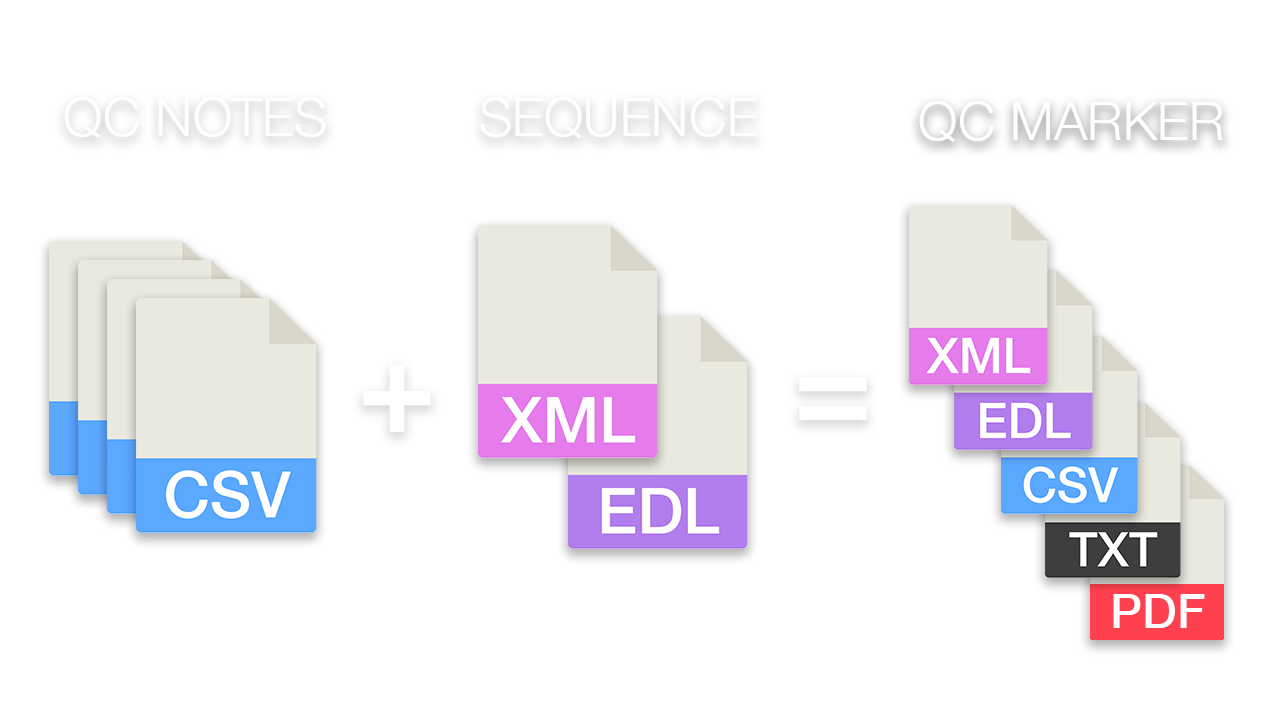
This tool lets you move quality control notes related to files and source timecode to the right place in the final editing sequence. Upload one or more QC files and one editing sequence to filter and match the notes. Then, export them as sequence markers or list.
Generate a workflow checklist of key production information and share it with the various departments.
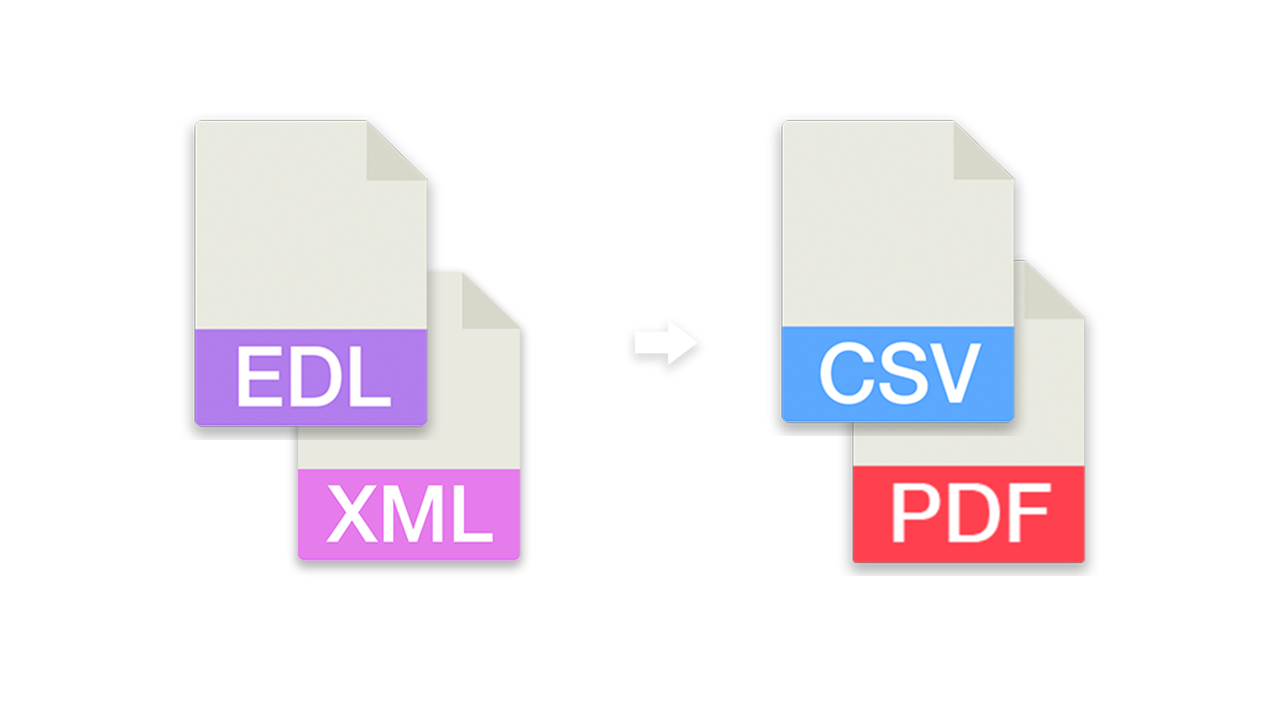
Convert and merge EDL files to CSV lists (for Excel or Google Sheets) or convert CSV lists back into an EDL file for Media Composer, Premiere, Resolve, Final Cut and others.