Generate quick and easy Layouts for SidebySide or Fullscreen graphics. Add credits or upload own backgrounds. Generate graphics without background for easy edting later. Pro Tip: Generate higher Resolution as your Editing Timeline and scale them down in your sequence for better resolution. Add Slide In/Out Effects for SidebySide Graphics.
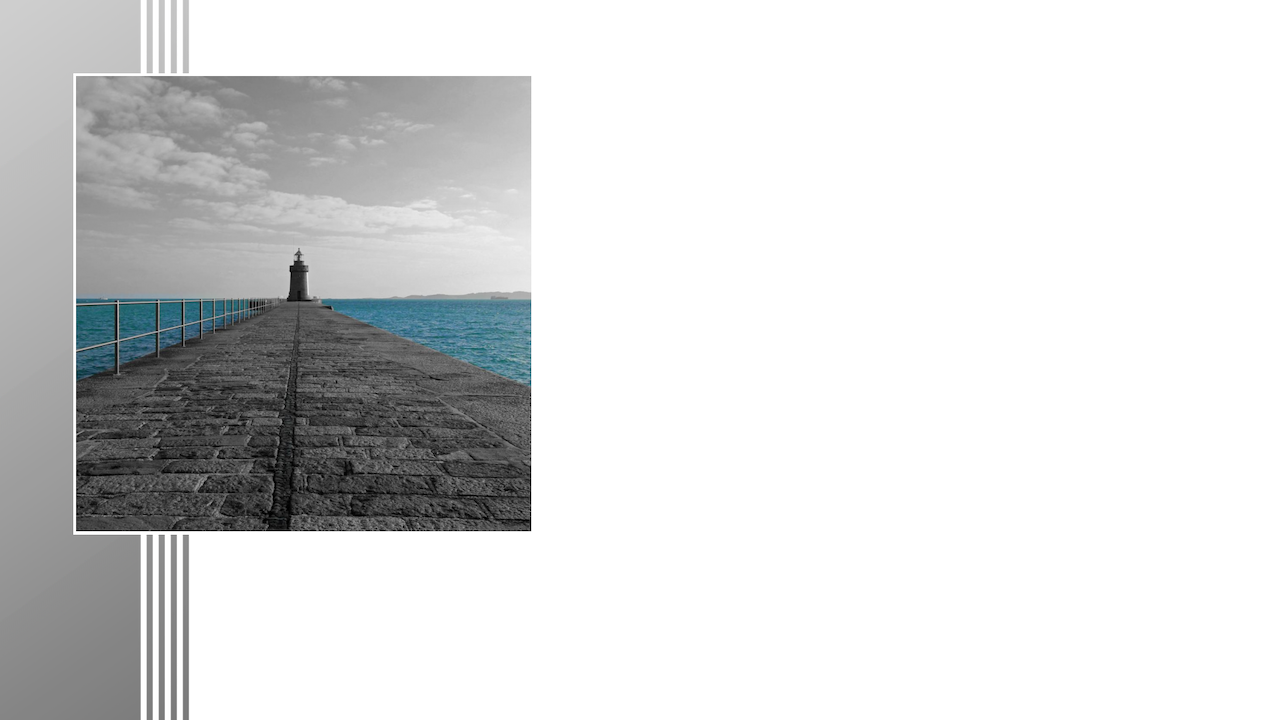
Scale Images to a Side Graphic Background. Add Borders and Credits if needed. In this example "Max Image Width" is set to 35% of the Final Image Resolution.


Scale Images to a Fullscreen Graphic Background. Add Borders and Credits if needed. In this example "Max Image Width/Height" is set to 85% of the Final Image Resolution.


You can use "Slide" or "Push" Video Transition for In-/Out Animations in most video editing software. For smooth results use Keyframes with exponential functions.