Upload your XML or EDL timeline, filter its content and export the result as a list sorted by file name. Please flatten your multicam clips in the timeline before you export it. XML files give better results than EDL files.
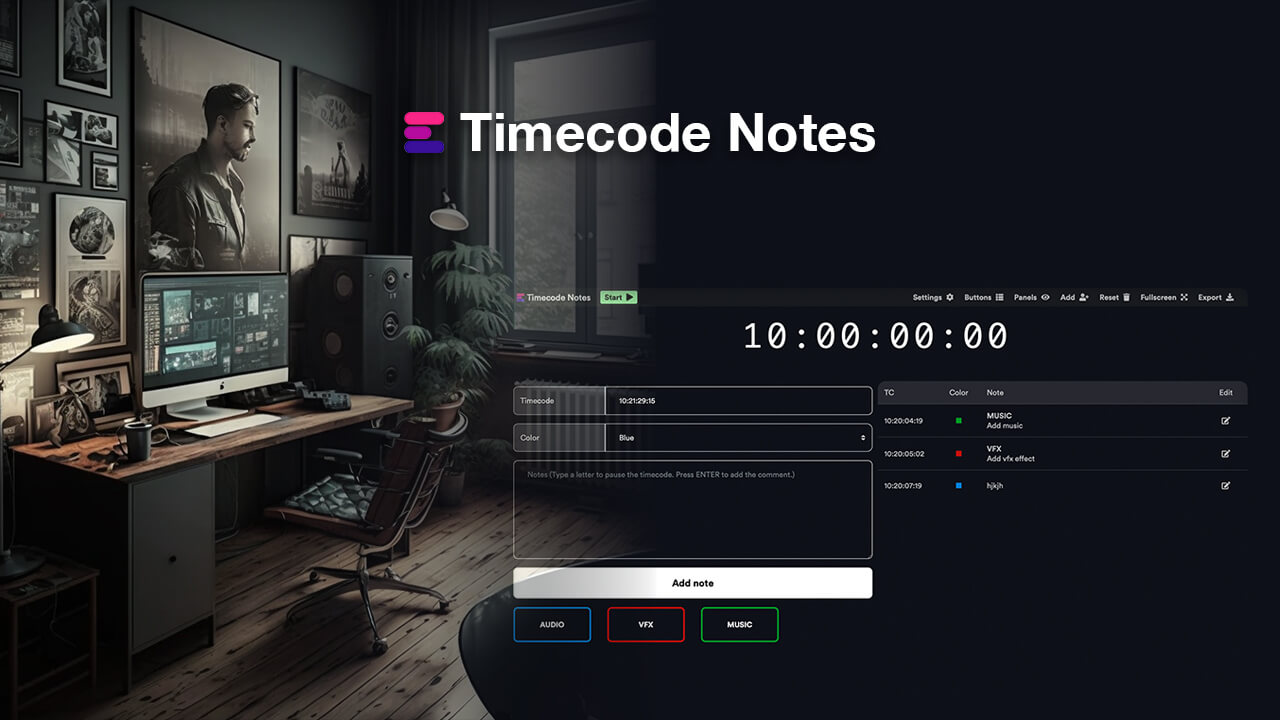
Create editorial notes for recordings, review sessions, feedback meetings, events, broadcasts, video streams, or any event where you need custom timecode. All comments can be exported as markers to any NLE (for further editing) or to CSV, PDF, Excel, and more. You can also collaborate with your team in real time in a shared Team Event session.
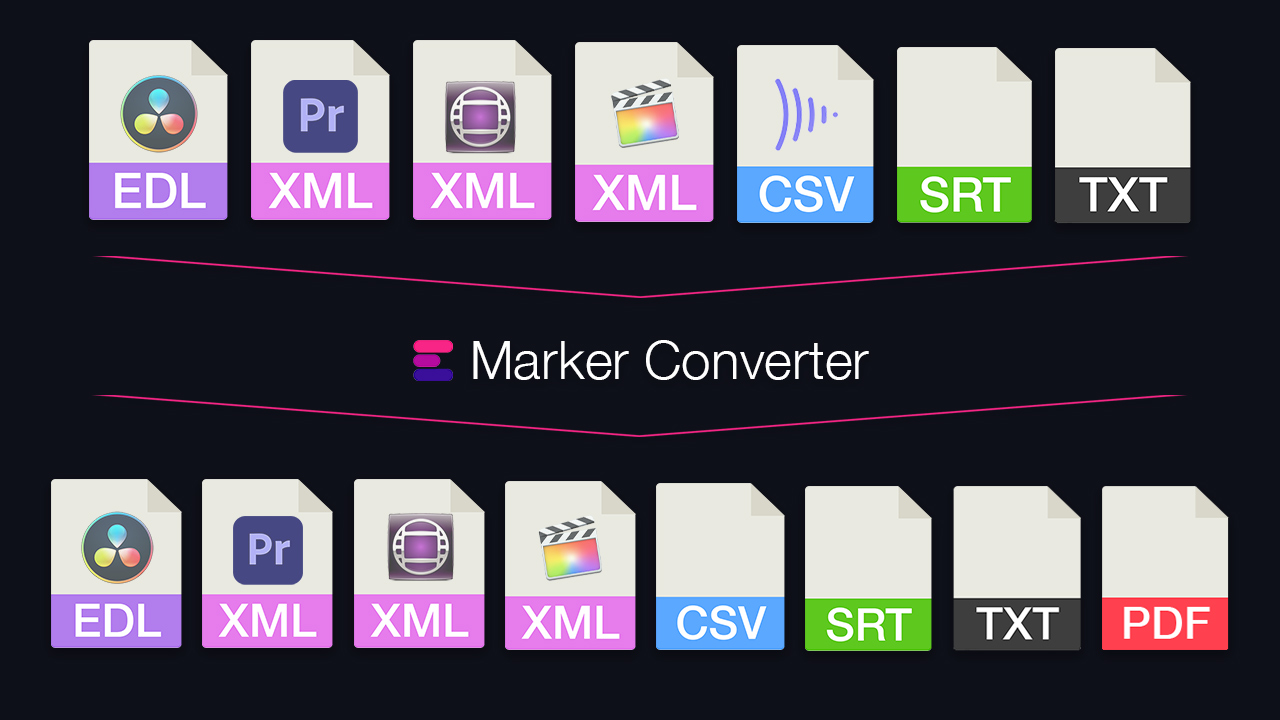
Turn your ADR list from Excel, Google Sheets or CSV into markers for Avid Pro Tools, Media Composer, Premiere and DaVinci Resolve. Or export markers from your timeline as an ADR list.
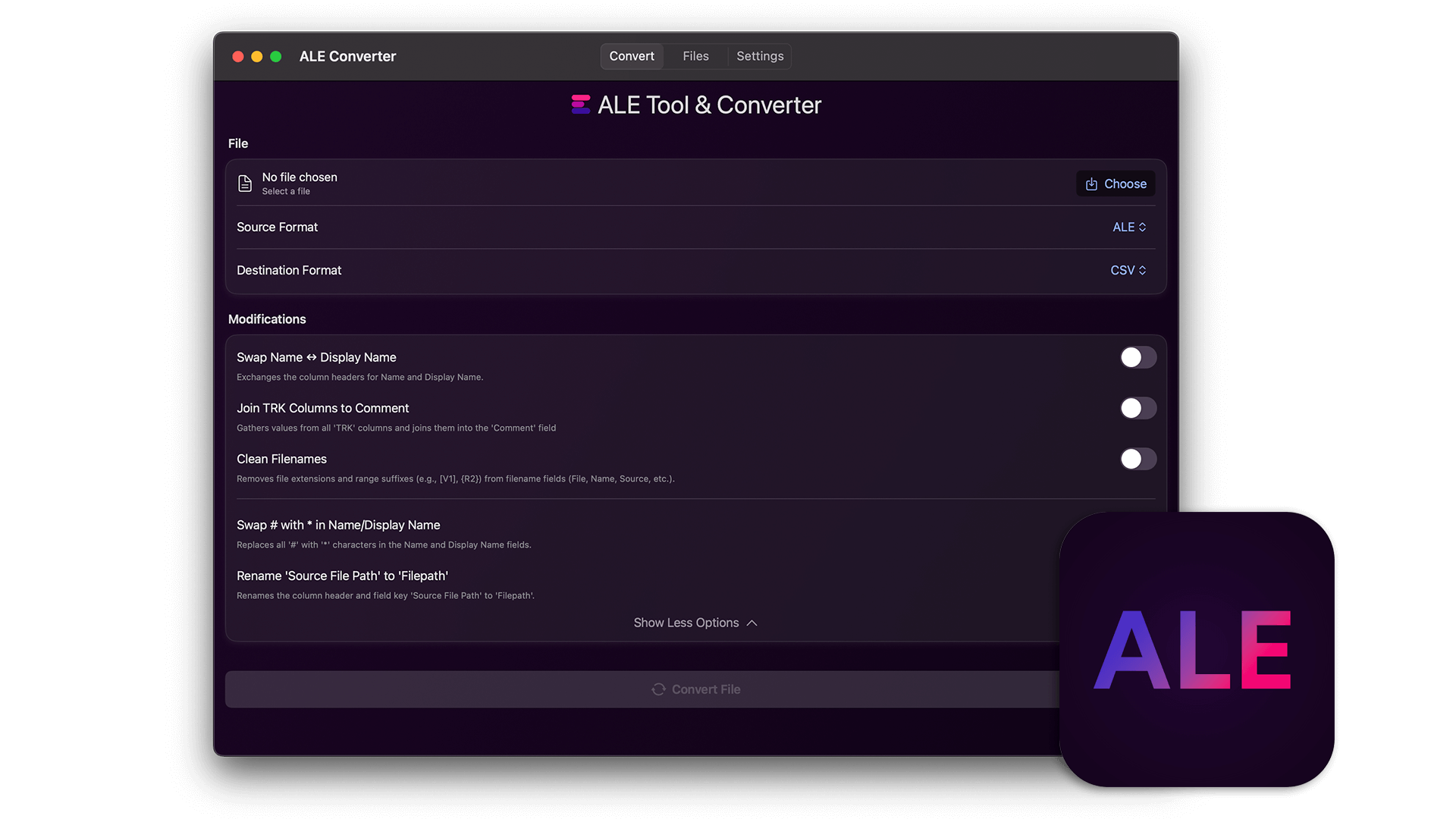
The standalone app of our ALE tool: edit, merge and convert ALE files offline on your computer.