in progress...
Content-Aware Detection
is an algorithm designed to identify alterations within specific regions of an image. When significant changes are detected, it automatically triggers a cut, making it the ideal choice for analyzing darker movie scenes.
Threshold-Based Detection
operates by analyzing the intensity and brightness levels of individual frames. When these levels surpass a predefined threshold, a cut is initiated. This method represents a more traditional approach to cut detection, relying on classic techniques.
What files can the tool create?
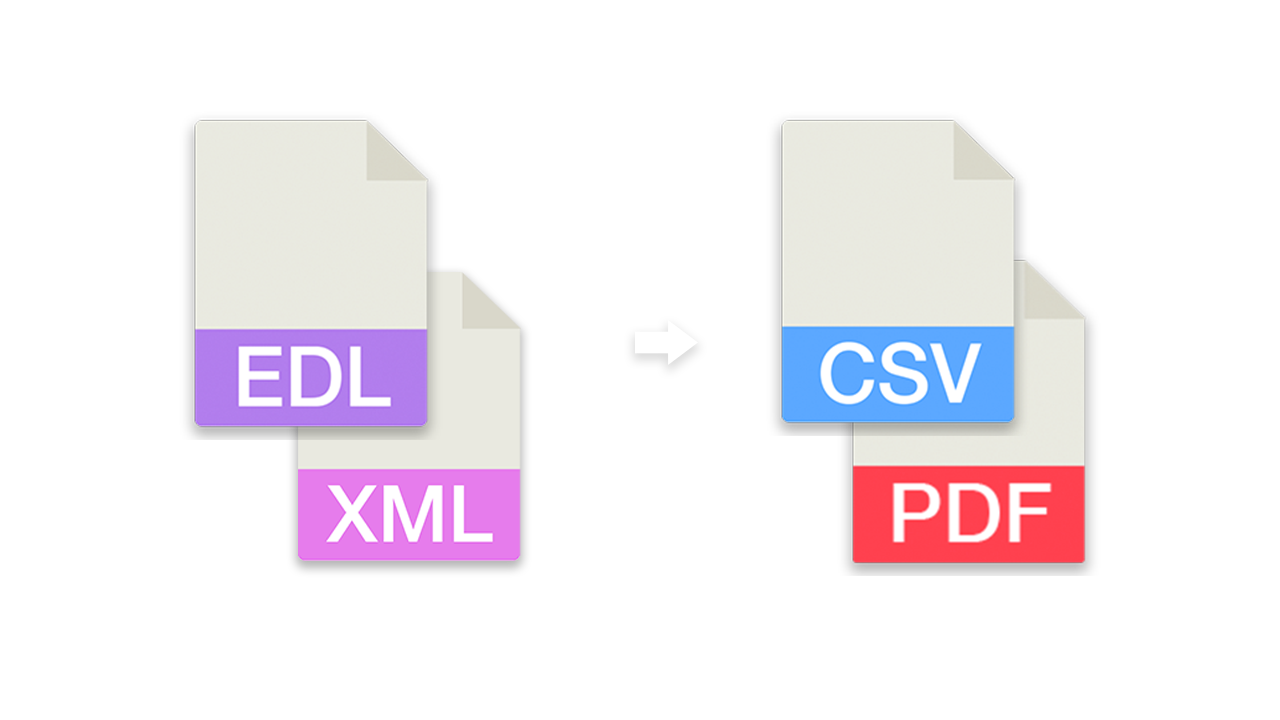
- EDL - Edit Decision List (.edl)
- EDL - Edit Decision List (.edl) [with gap between takes]
- CSV - Comma-separated values (.csv)
[Timecode In, Timecode Out, Frame In, Frame Out]
Render individual files PRO
This option allows you to have the tool render an H264 (.mp4) file for each detected clip in your uploaded video. This is a great way to split a video into multiple segments for further editing without the need for additional software.
Recommended Workflow
- Upload your video clip and start the Scene Cut Detection. If the file exceeds the maximum upload limit, you can also upload a compressed version of your video.
- Download the generated EDL/XML and place it in the same folder as the original video clip.
- Import the EDL/XML into your editing program, link it to the original video clip and start editing.
Demo File
You can try the tool with our technical test file.
- MP4/H264 video of 3 minutes length in 25fps with different color changes.

Automate your workflows with our API
Whether you're a developer or just want to automate more processes with tools like Zapier or Make, you can easily integrate this tool into your workflows with our API. Learn more about integrating the REST API in our API documentation.
API Documentation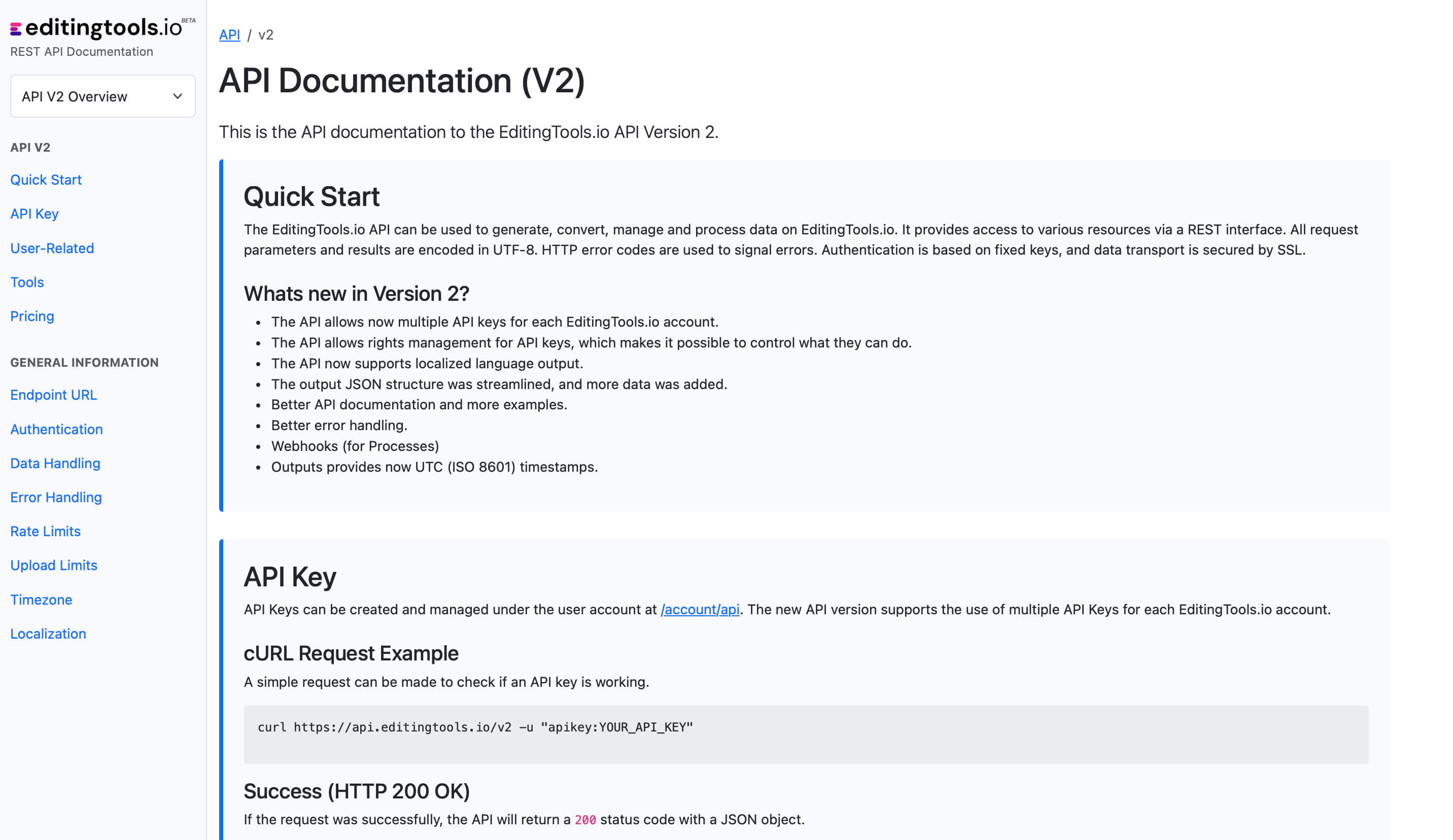
Get more with Pro
The Scene Cut Detection tool requires significant server power. While we offer a free tier for everyone, Pro users enjoy unlimited file lengths and more formats.
Explore Pro Features| Feature | Free | Pro |
|---|---|---|
| Video Length Limit | 15 min | Unlimited |
| Daily Limit | 3 files | Unlimited |
| File Size Limit | 500 MB | 2 GB |
| Render Subclips | ✕ | ✓ |
| Formats | .mp4, .mov | .mp4, .mov, .avi, .mxf, .mpeg, .m4a, .wma |